VAHAN Insurance Check: How to Verify Vehicle Insurance Status on the VAHAN 4.0 Portal
17 July, 2026
Car Insurance
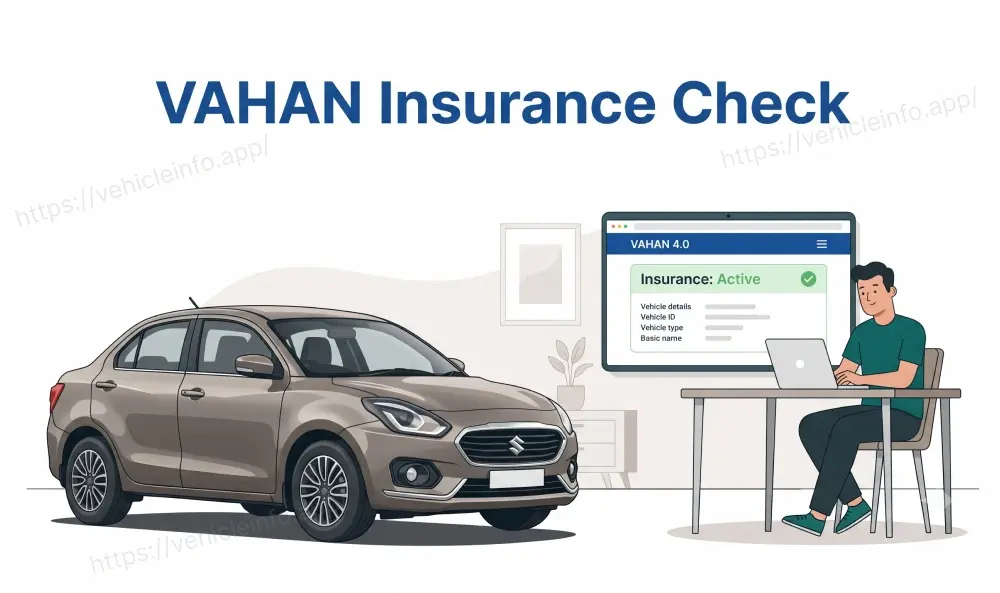
If you need to confirm whether a car or bike currently has valid insurance, the VAHAN 4.0 portal is the government's own answer to that question. A VAHAN insurance check takes a registration number and returns the insurer's name and policy validity in under a minute, without needing to call anyone or track down a physical document. This guide walks through exactly how the process works, what the result actually tells you, and where it can go wrong.
What Is VAHAN 4.0 and Who Maintains It?
VAHAN is India's national vehicle registration database, built and maintained by the Ministry of Road Transport and Highways (MoRTH) through the National Informatics Centre. The current version, VAHAN 4.0, connects every RTO in the country to a single, real-time system, replacing an older setup where each state kept its own separate records.
Because VAHAN sits at the centre of vehicle registration nationally, it has also become the natural home for insurance verification. Insurers are required to report policy data into the system, which means a VAHAN 4.0 insurance check reflects information that comes directly from the insurance industry rather than from the vehicle owner typing in their own policy details.
Does VAHAN Show Insurance Status for All Vehicles?
In practice, yes, for the overwhelming majority of vehicles registered and insured through mainstream channels. Any vehicle registered after digitisation was rolled out across a state's RTOs, and any policy issued by an insurer integrated with the central reporting system, should show up in a standard search.
There are exceptions. Very old vehicles registered before digital records were complete sometimes have incomplete data. Extremely recent policy purchases can also take a few days to sync, simply because insurers push updates on a periodic cycle rather than instantly. Neither of these situations means the insurance check VAHAN portal itself is broken. They usually just mean the underlying record has not caught up yet.
Insurance Check on VAHAN 4.0: Complete Procedure
To check vehicle insurance status on the VAHAN 4.0 portal, visit vahan.parivahan.gov.in. Within the site, look for the citizen services section, sometimes labelled ‘Know Your Vehicle Details’, which is the specific area that handles a public VAHAN insurance check.
Entering Registration Number
Type the vehicle's registration number exactly as it appears on the RC, without adding spaces or special characters that are not part of the actual number. Complete the captcha shown on screen, then submit the search.
Reading the Result
A successful search returns a summary that typically includes the vehicle's make and model, registration date, fitness status, PUC validity, and the insurance section, which shows the insurer's name along with the policy's start and expiry dates. This last part is the core of the VAHAN insurance status you are usually looking for.
Common Errors
The most frequent issues are simple ones: a mistyped registration number, an expired CAPTCHA session that needs refreshing, or searching immediately after a policy purchase before the data has synced. If a search fails or looks wrong, double-check the registration number character by character before assuming there is a genuine problem with the insurance itself.
What Data Points VAHAN Displays for Insurance
A standard VAHAN insurance check surfaces a specific, limited set of information: the insurer's name, the policy number in some cases, and the validity window showing when cover started and when it expires. It does not show the premium paid, the sum insured, the add-on covers selected, or the full policy document. For that level of detail, you would need the policyholder's own copy of the policy, since VAHAN's role is verification, not full policy management.
What To Do When VAHAN Shows Blank or No Record
A blank result is common enough to be worth understanding rather than treating as alarming by default. The typical causes are:
- A recent policy purchase or renewal that has not yet synced to the central database
- An older policy from an insurer that was not fully integrated with digital reporting at the time it was issued
- A genuinely lapsed or non-existent policy, which is exactly the scenario this check exists to catch
- A registration number entered slightly incorrectly
If you have just renewed and the record still shows blank, waiting a few days and rechecking is the sensible next step before assuming the policy itself has a problem.
How VAHAN Gets Insurance Data: Insurer Integration and IIB Feed
VAHAN does not independently verify insurance on its own. It relies on two connected sources. First, insurance companies are integrated directly with VAHAN and report policy issuance, renewal, and cancellation as these events happen. Second, VAHAN also draws on data from the Insurance Information Bureau (IIB), a central repository that aggregates policy information reported by every general insurer in the country.
This layered system is part of why a VAHAN parivahan insurance search is considered reliable for compliance purposes. Since the data originates from insurers rather than from the vehicle owner, it is difficult to manipulate what shows up during a police check or an online search, which is exactly the property that makes it useful as a trust anchor for both enforcement and everyday verification.
VAHAN for Used Car Buyers: What to Check Before Buying
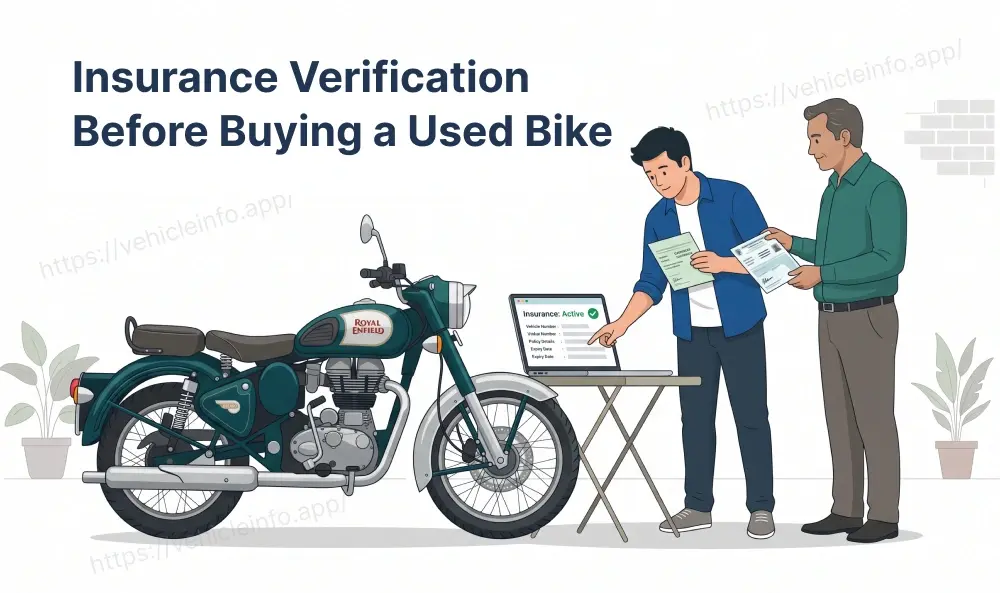
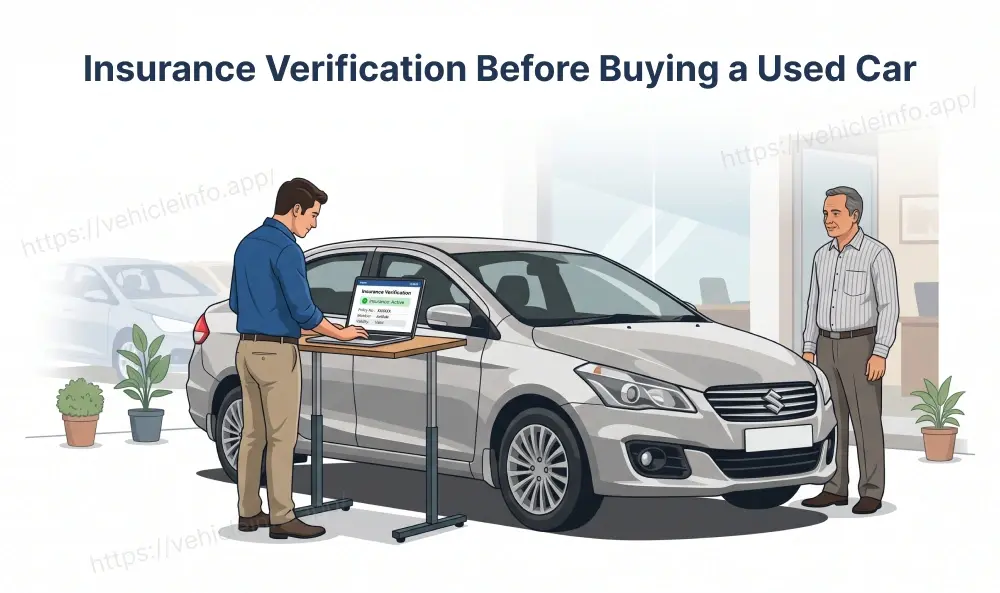
Before finalising a used car or bike purchase, running a VAHAN insurance verification is one of the simplest and most useful due diligence steps available, and it costs nothing. It confirms whether the vehicle currently carries active insurance, whether the insurer named roughly matches what the seller has told you, and, indirectly, whether the registration details themselves are legitimate, since a fabricated registration number is unlikely to return a clean, matching result.
If the check shows expired or missing insurance, that does not have to end the deal, but it does mean factoring in the cost of arranging fresh cover before you can legally drive the vehicle away, since doing so without valid insurance would itself be a violation.
Mobile Access: VAHAN on mParivahan App
For quick checks on the move, the mParivahan app mirrors the web portal's search function without needing a browser. After selecting a language, you can search by registration number and pull up the same category of information: registration details, fitness status, PUC validity, and insurance status. This is particularly convenient at the roadside or when standing in front of a vehicle you are considering buying, since you do not need to find a computer or wait to get home.
VAHAN vs Parivahan: Which Portal Is Most Reliable?
Both of these platforms draw from largely the same underlying data, but they are not identical experiences. VAHAN's citizen services section is generally the most straightforward for a one-off registration number lookup, with a clean, focused interface. The Parivahan portal hosts a broader set of transport services beyond just insurance, and its verification tool works similarly, though it is sometimes used as a second check if a VAHAN search returns something unclear, since update timing between the two can differ by a day or so.
VAHAN Insurance Data and E-Challan Linkage
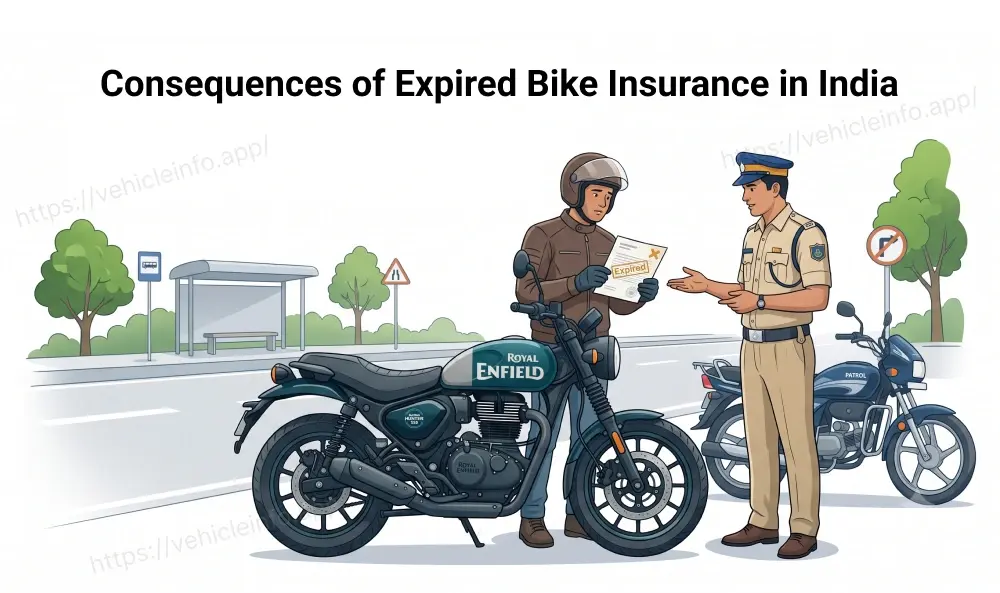
VAHAN's insurance records are not just a passive lookup tool. They are increasingly connected to active enforcement. When a registration number lacks a valid insurance record in VAHAN, this can trigger an automatic e-challan for no-insurance, generated when enforcement systems cross-check number plates against the database, separate from any manual police stop.
This linkage is part of why keeping your VAHAN insurance status current actually matters day to day, beyond just satisfying a roadside check. A lapsed policy showing on VAHAN can result in a challan landing on your record even without you being pulled over, simply because automated systems are increasingly doing that cross-checking in the background.
FAQs
1. What is VAHAN insurance check exactly?
Ans: It is a search function on the government's VAHAN 4.0 portal that lets anyone confirm a vehicle's current insurance status, insurer name, and policy validity by entering its registration number.
2. How to check insurance on VAHAN portal step by step?
Ans: Go to the VAHAN portal, find the citizen services or the Know Your Vehicle Details option, enter the registration number, complete the captcha, and review the insurance section of the result.
3. Is a VAHAN 4.0 insurance check by registration number free?
Ans: Yes. The basic citizen-facing search does not require payment or an account for a standard VAHAN 4.0 insurance check lookup.
4. Why does my VAHAN insurance status show as expired right after I renewed?
Ans: This is almost always a data sync delay. Insurers push updates to VAHAN periodically, and this can take a few days to reflect a fresh renewal.
5. Can I trust VAHAN parivahan insurance data when buying a used vehicle?
Ans: Generally, yes, since the data comes directly from insurers rather than the seller. It is one of the more reliable free ways to verify a seller's claims before a purchase.
6. What should I do if VAHAN insurance verification shows no record at all?
Ans: First, recheck the registration number for typos. If it is correct and the policy is genuinely recent, wait a few days. If the vehicle has an old, uninsured record, treat that as a real red flag.
7. Does VAHAN show the exact premium I paid for my policy?
Ans: No. It shows the insurer's name and the policy's validity dates, not the premium amount, sum insured, or add-on details.
8. Can I do a VAHAN insurance check on my phone without the website?
Ans: Yes, through the mParivahan app, which offers the same core search using a registration number.
9. Is Parivahan.gov.in the same as VAHAN for insurance checks?
Ans: They draw from largely the same data, since both connect to the IIB feed, but they are separate interfaces, and results can occasionally differ slightly in how current they are.
10. Does a VAHAN insurance check affect my e-challan record?
Ans: Not directly from your own search, but the underlying insurance status recorded in VAHAN can trigger an automatic e-challan if it shows no valid policy, separate from any manual enforcement stop.
11. How often is VAHAN insurance data updated?
Ans: There is no fixed universal schedule, since it depends on how quickly individual insurers report data, but most updates reflect within a few days of a policy event like a purchase or renewal.
12. Can insurers themselves use VAHAN differently from the public search?
Ans: Yes. Insurers, along with banks and other authorised institutions, access VAHAN through secured API integration for bulk verification, which is separate from the one-at-a-time public citizen search covered in this guide.