Insurance Check by Vehicle Number: 3 Methods to Verify Policy Status Online in India
16 July, 2026
Car Insurance
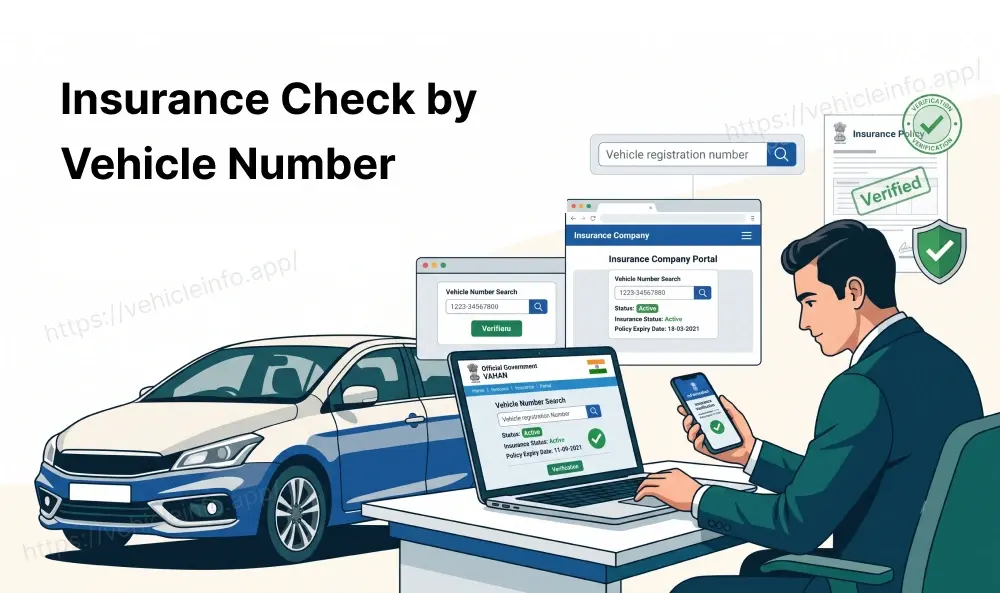
You do not need to know an insurer's name, a policy number, or even the vehicle owner to find out whether a car or bike is insured. In India, an insurance check by vehicle number is possible through several official government sources, all built around one simple input: the registration number printed on the number plate. If you have ever wondered how to check insurance by vehicle registration number in India through official channels, this guide covers all the ways to do it, what each result actually shows, and when the answer might come back blank.
Can You Check Vehicle Insurance Just by the Registration Number?
Yes. This is one of the more practical, lesser-known features of India's digital vehicle infrastructure. Because insurers are required to feed policy data into the national vehicle database, and that database is connected to citizen-facing tools, checking insurance by vehicle number has become a genuinely fast process, usually taking less than a minute.
This matters most in three situations: confirming your own policy is active, verifying a seller's insurance claim before buying a used vehicle, and checking insurance status after an accident when you need to know if the other party is covered. Below are the three methods that work, in order of how commonly people actually use them.
Method 1: VAHAN 4.0 Portal
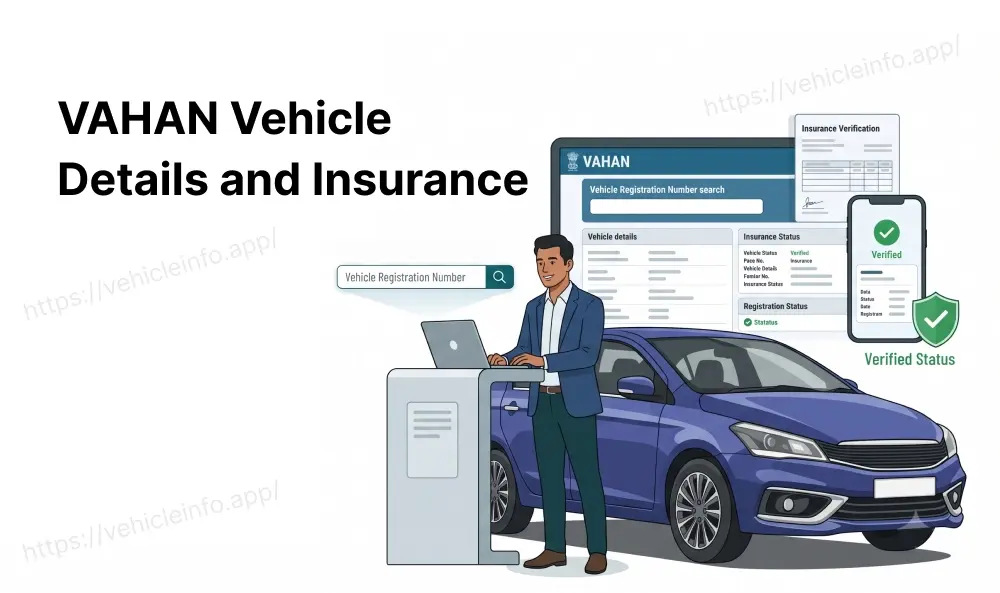
The official VAHAN 4.0 portal can be visited at vahan.parivahan.gov.in. Once you are on the portal, navigate to the citizen services section, sometimes reached through the Know Your Vehicle Details option on the wider Parivahan Sewa site.
Steps
- Open the VAHAN citizen services page
- Enter the vehicle's registration number in the search field
- Complete the CAPTCHA
- Submit the search
Sample Result
A successful vehicle number insurance status search on VAHAN typically returns the registered owner's name (partially masked), vehicle make and model, registration date, fitness status, PUC validity, and the insurance section, which shows the insurer's name along with the policy's validity dates.
Method 2: Parivahan Portal
Steps
- Parivahan.gov.in hosts a broader set of government transport services, and its insurance verification function works similarly to VAHAN's dedicated portal. You enter the registration number, complete a verification step, and the system returns the current insurance status tied to that vehicle.
- IIB Integration
- What makes the Parivahan route slightly different is its direct link to the Insurance Information Bureau (IIB), a central repository that aggregates policy data reported by every general insurer in the country. Because Parivahan pulls from this same underlying IIB feed, the result should generally match what you would see on VAHAN, though update timing between the two can occasionally differ by a day or two.
Method 3: mParivahan Mobile App
For most people, the mParivahan app is the fastest option simply because it lives on a phone. After downloading the app and selecting a language, you can search a vehicle by registration number without creating an account for basic lookups. The app displays the same category of information as the web portals: registration details, fitness and PUC status, and insurance validity.
This is particularly useful at the roadside. If you are ever asked to confirm your own insurance status and do not have a physical document handy, opening mParivahan and pulling up your own vehicle's record is often accepted as valid proof, since the app is pulling live data from the same government system traffic police themselves rely on.
What Details Are Revealed by a Vehicle-Number Insurance Check
Across all three methods, a standard result generally includes:
- Insurer's name
- Policy validity dates (start and expiry)
- Vehicle make, model, and registration details
- Fitness certificate status, particularly relevant for commercial vehicles
- PUC (Pollution Under Control) certificate status
What it typically does not reveal is the exact premium paid, the full policy document, or the add-on covers selected. For that level of detail, you would need the policyholder's own copy of the policy or a request routed through the insurer directly.
What a Policy Not Found or Blank Results Mean
A blank or "policy not found" result is common enough that it is worth understanding rather than panicking over. The most frequent reasons include:
- A recent policy purchase or renewal that has not yet synced to the central database, which can take a few days
- A minor mismatch in how the registration number was entered, such as extra spaces or an incorrect character
- An older policy issued before certain insurers were fully integrated with the digital reporting system
- A genuinely lapsed or non-existent policy, which is the scenario the check is designed to catch
If you have just renewed and the system still shows no record, waiting a few days before rechecking is usually the right move before assuming something is wrong.
Is It Legal to Check Someone Else's Vehicle Insurance?
Yes, within the scope of these tools are designed for. Basic vehicle information, including insurance and fitness status, is intentionally made publicly accessible in India to support transparency in vehicle transactions, particularly for used vehicle buyers who need a way to verify a seller's claims. What stays protected is the owner's personal information beyond what is needed for this purpose, such as their full address or contact details, which are masked or withheld in a standard public search.
In short, checking insurance by vehicle number for a legitimate reason, such as verifying a used car before purchase or confirming coverage after an accident, sits well within how these systems are intended to be used.
Using Vehicle-Number Insurance Check When Buying a Used Car
Before finalising a used car or bike purchase, running an insurance check by vehicle number is one of the simplest due diligence steps available, and it costs nothing. It confirms three things at once: that the vehicle currently has insurance, that the insurer and policy details roughly match what the seller has told you, and, indirectly, that the vehicle's registration details are legitimate, since a fake or altered registration number is unlikely to return a clean result.
If the check shows expired or missing insurance, that is not necessarily a dealbreaker, but it does mean you should factor in the cost and effort of arranging fresh cover immediately after the purchase, since driving the vehicle home without valid insurance would itself be a violation.
Verifying Insurance After an Accident: Step-by-Step Guide
If you are involved in an accident and need to confirm the other party's insurance status, here is a simple sequence to follow:
- Note down the other vehicle's registration number at the scene
- Once safe to do so, open the mParivahan app or the VAHAN portal
- Search the registration number and check the insurance section
- Note the insurer's name and policy validity shown
- If the result is blank or shows expired insurance, mention this clearly in your accident report or FIR, since it affects how any compensation claim proceeds
This step can be done from your phone at the scene itself in most cases, which is far faster than waiting to exchange paperwork or contact insurers directly.
Which Method Should You Actually Use?
With three options available, it helps to know which one fits your situation best. If you want the fastest check insurance by vehicle number result on your phone, mParivahan is usually the easiest starting point since there is no browser or CAPTCHA involved. If you are already on a computer and want a slightly more detailed vehicle summary alongside the insurance status, the VAHAN portal is a solid default. Parivahan.gov.in is worth trying as a second opinion if VAHAN returns something unclear, since both draw from the same underlying IIB data but do not always sync at exactly the same pace.
Whichever method you choose, the core process is the same: type in the registration number correctly, without extra spaces, and give the system a moment to pull the record. For most everyday needs, such as confirming your own renewal went through or checking a bike before buying it, any one of the three methods will get you a reliable answer within a minute.
FAQs
1. How do I check insurance by vehicle number in India?
Ans: Use the VAHAN portal, the Parivahan website, or the mParivahan app. All three let you search by registration number and return the current insurer and policy validity, giving you a vehicle number insurance status result in under a minute.
2. Can I check insurance status by vehicle number plate without downloading an app?
Ans: Yes. The VAHAN and Parivahan websites work directly in a mobile or desktop browser, so an app is not required, though mParivahan is often more convenient for quick roadside checks.
3. Are insurance details by vehicle number India provides accurate in real time?
Ans: Mostly, but not instantly. Insurers push updates to the central database periodically, so very recent purchases or renewals may take a few days to appear.
4. Can I check car insurance by number plate the same way as bike insurance?
Ans: Yes. The process is identical for cars and two-wheelers. You simply enter the relevant registration number, and the system returns whatever category of vehicle it is registered as.
5. Can I verify bike insurance by registration number before buying a used two-wheeler?
Ans: Yes, and it is a sensible step to take. A quick search confirms whether the bike currently carries valid insurance before you commit to the purchase.
6. Is an online insurance check vehicle owners can run also available to non-owners?
Ans: Yes. You do not need to be the registered owner to run a basic search. This is precisely what makes the tool useful for buyers, accident victims, and anyone else needing to verify a vehicle's status.
7. What if the insurance check shows a different insurer than what the seller told me?
Ans: This is worth clarifying directly with the seller before proceeding. It could be an outdated record on the seller's side, a recent switch of insurers, or a sign the vehicle details do not match what you were told.
8. Does a blank result always mean the vehicle is uninsured?
Ans: Not always. A blank vehicle number insurance status can also mean a data sync delay or an entry error in the registration number. Recheck the number carefully and wait a few days if a policy was recently purchased.
9. Is checking someone else's vehicle insurance considered a privacy violation?
Ans: No, provided you are using the official public tools for their intended purpose, such as verifying a vehicle before a transaction. These systems are designed to be publicly checkable for exactly this reason.
10. Can insurance agents or dealers do a bulk insurance check by vehicle number for multiple vehicles?
Ans: Individual public searches are done one registration number at a time. Bulk or API-based access is available to authorised institutions like insurers and banks through separate, secured integration rather than the citizen-facing tools covered here.