How to Pay E-Challan via Paytm, GPay and PhonePe: A Quick Guide
03 June, 2026
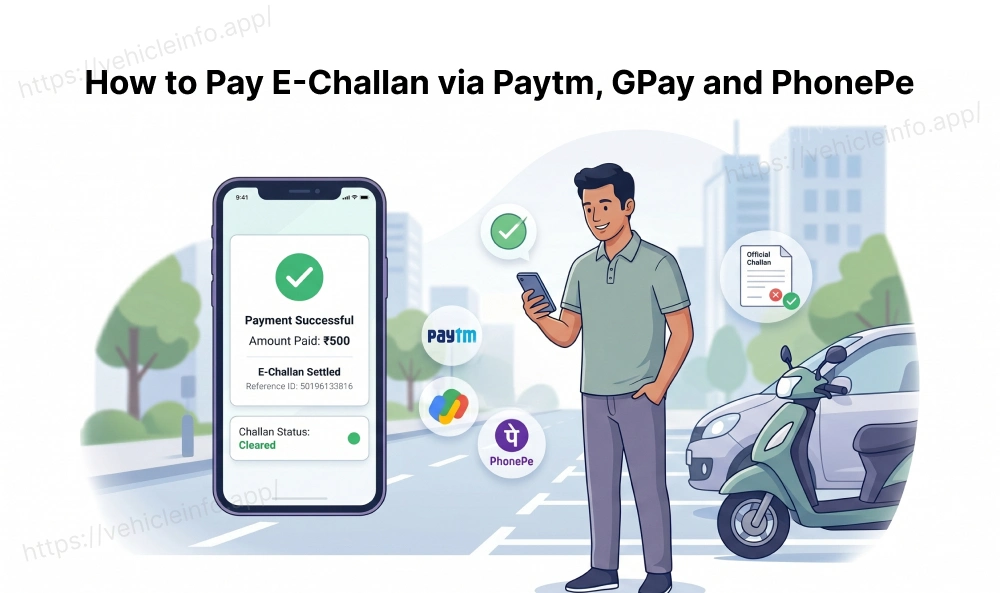
Traffic challans can now be paid in under two minutes without visiting a police station or court. If you have a pending fine on the Parivahan portal, Paytm, Google Pay, and PhonePe all let you clear it directly using your UPI account. This guide shows you exactly how to pay e-challan Paytm and the other two apps, what to do if a payment fails, and a few practical tips to make the process smoother.
Why UPI is the Fastest Way to Clear Your E-Challan
UPI challan payment has become the preferred method for most drivers because it requires no new account setup and no entering of card details. You open an app you already use daily, find the challan section, enter your vehicle number, and pay.
The e-challan payment UPI route also works across all states. Whether your challan was issued in Maharashtra, UP, or Karnataka, the same apps cover all of them. The payment flows through the national Parivahan infrastructure, so the fine gets cleared on the official portal regardless of which app you used.
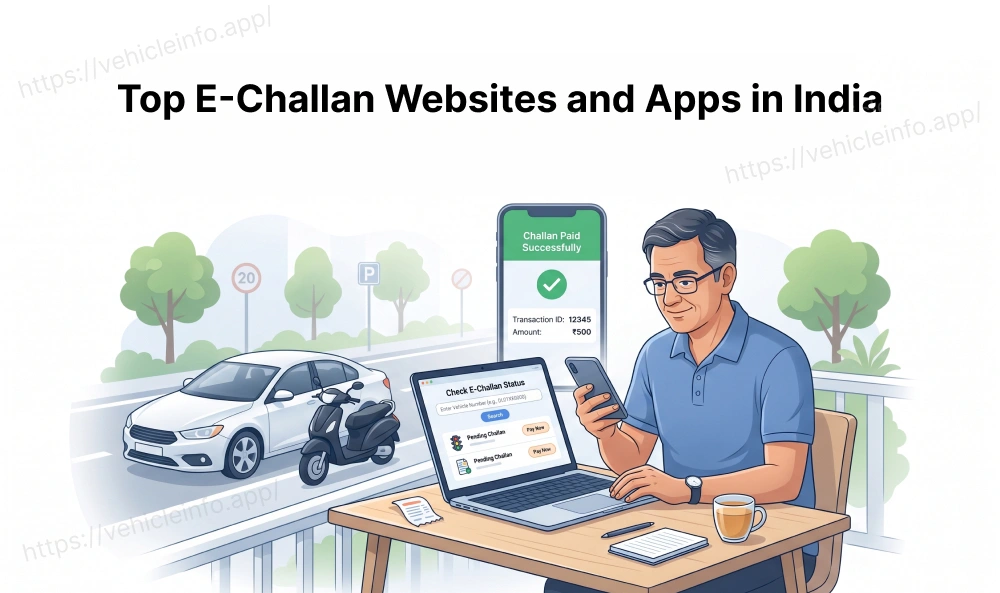
Before paying, verify your challan on echallan.parivahan.gov.in to confirm the amount and vehicle number. You can also use Vehicle Info, which shows your full challan history and supports all major UPI methods in one place.
How to Pay Your E-Challan on Paytm: Step by Step
Paytm challan payment is one of the most widely used methods in India. Here is how to pay e-challan Paytm directly within the app.
Steps to follow when you want to know how to pay challan from Paytm:
- Open Paytm and search for "traffic challan" or "e-challan"
- Enter your vehicle registration number or challan number
- Your pending challan details appear, including the fine amount
- Tap Pay and confirm using your UPI PIN
- Save the payment confirmation screen
The Paytm challan payment reflects on Parivahan within 24 to 48 hours. Save your transaction ID as proof. To pay e-challan Paytm for multiple vehicles, repeat the process for each registration number. Paytm also allows you to pay e-challan Paytm on behalf of another vehicle owner by simply entering their registration number.
Clear Your Traffic Fine on Google Pay: A Simple Walk-Through
To pay challan GPay, you do not need to install any separate plugin or enable any special feature. Google Pay has a built-in bills and recharges section that covers traffic fines.
Steps to pay challan GPay:
- Open Google Pay and tap on the search or bills icon
- Search for "traffic challan" or navigate to the government section
- Enter your vehicle registration number to retrieve pending fines
- Confirm the challan amount and tap Proceed to Pay
- Authenticate with your UPI PIN to complete the transaction
The Google Pay challan payment is instant and generates a digital receipt on the payment success screen. Screenshot it before closing the app. Google Pay challan transactions are also visible under your payment history for up to 12 months, which makes it easy to retrieve proof if needed later.
If you want to know whether you can pay traffic fine via GPay for challans from a particular state, the answer is yes for all states linked to the national Parivahan database. This covers challans issued through CCTV, ANPR, and handheld devices across India. So if you are asking can I pay traffic fine via GPay for a Rajasthan highway challan or a Mumbai junction fine, the answer is the same: yes, as long as it is on Parivahan.
PhonePe Challan Payment: A Simple Walk-Through
PhonePe traffic fine payment works similarly to the other apps and is particularly popular among users who have their primary UPI-linked accounts on HDFC, ICICI, or Axis Bank.
PhonePe challan payment steps:
- Open PhonePe and go to the Recharge and Pay Bills section
- Select Government Services or search for traffic challan
- Enter your vehicle registration number
- View all pending fines linked to your vehicle
- Select the challan you want to pay and tap Pay
- Confirm with your UPI PIN
The pay traffic fine PhonePe process covers all nationally recorded challans and typically reflects within 24 to 48 hours on the Parivahan portal. PhonePe also sends a push notification and email confirmation, giving you two records of the transaction.
For drivers who regularly travel across states, making pay traffic fine PhonePe a monthly routine is practical. The app displays payment history clearly, making it easy to track which fines you have cleared and to pay traffic fine PhonePe for any new ones that appear.
Your E-Challan Payment Failed: What to Do
Occasionally, UPI challan payment attempts fail, either due to bank server issues, incorrect UPI PIN entry, or technical timeouts. Here is how to handle each scenario.
If the amount was debited but the challan shows as unpaid, do not pay again immediately. Check your bank statement to confirm whether the debit actually occurred. If it did, the payment likely failed mid-transaction. In this case, raise a dispute with the UPI app's support team using the transaction reference number. Most refunds for failed pay challan online UPI transactions are processed within 48 to 72 hours.
If the payment failed without any debit, simply retry the transaction after a few minutes. Bank and UPI servers occasionally experience high load, particularly during peak hours in the evening.
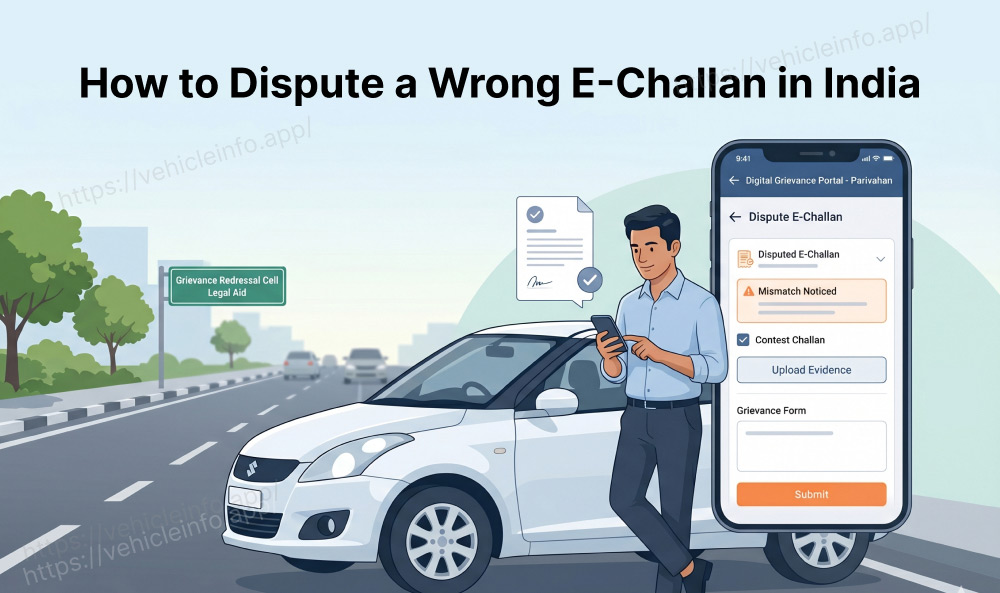
If the challan continues to show as unpaid on the Parivahan portal after 48 hours despite a confirmed payment, visit echallan.parivahan.gov.in and use the grievance section to flag the issue with your transaction receipt.
To avoid these issues entirely, consider using Vehicle Info to complete your challan payment. It aggregates your pending fines in one view and processes payment through a stable, encrypted gateway that minimises transaction failures.
FAQs
1. Can I pay my traffic challan using any UPI app in India?
Ans: Yes, e-challan payment UPI works across all major apps including Paytm, Google Pay, and PhonePe. All three connect to the national Parivahan database. Whether you want to pay e-challan Paytm or can I pay traffic fine via GPay is a question you ask yourself, the answer for both is yes for all states on Parivahan. Payment reflects within 24 to 48 hours of a successful transaction.
2. How do I know if my Paytm challan payment was successful?
Ans: After completing a Paytm challan payment, you will see a success confirmation screen with a transaction ID. The payment is also recorded under the transaction history section of the app. If the Parivahan portal does not reflect the payment within 48 hours, use the transaction ID to raise a support query with Paytm. Save the confirmation screen immediately after each payment.
3. Can I pay a traffic fine via GPay for challans from any state?
Ans: Yes. You can pay traffic fine via GPay for challans from any state or union territory that is connected to the national Parivahan e-challan database. This includes all major states. The Google Pay challan section retrieves fine data by vehicle number, so challans from multiple states linked to the same vehicle will all appear together.
4. What are the PhonePe challan payment steps?
Ans: To complete PhonePe challan payment steps, open PhonePe, go to Government Services under Recharge and Pay Bills, select traffic challan, enter your vehicle registration number, select the pending fine, and pay using your UPI PIN. A success confirmation is sent via push notification and email. The PhonePe traffic fine payment typically reflects on the Parivahan portal within 24 to 48 hours.
5. Is there a fee for paying an e-challan via UPI?
Ans: No. There is no additional fee charged by UPI apps for traffic challan payments. You pay only the challan fine amount set by the issuing authority. The pay challan online UPI route is free of charge on Paytm, Google Pay, and PhonePe. The only amount deducted from your account is the official fine amount displayed on the challan details screen.
6. What if the challan does not appear when I search by vehicle number?
Ans: If a challan is not showing on UPI apps, it may not yet be synced with the Parivahan database, which typically takes 24 to 72 hours after issuance. Try again after this window. You can also search directly on echallan.parivahan.gov.in or use the Vehicle Info platform to check your vehicle's full challan history. If the challan was issued manually, check the state traffic police portal as well.
7. Can I pay how to pay challan from Paytm for someone else's vehicle?
Ans: Yes. When you pay e-challan Paytm for another vehicle, simply enter that vehicle's registration number in the challan section and the pending fines linked to it will appear. There is no requirement for the payer and the vehicle owner to be the same person. Just ensure the vehicle number is entered correctly to avoid any mismatch.
8. Which UPI app is best for paying traffic challans?
Ans: All three, Paytm, Google Pay, and PhonePe, work equally well for challan payment as they all draw from the same Parivahan database. The choice depends on your primary UPI app. If you want a single platform that also shows your challan history, RC details, and insurance status, Vehicle Info at vehicleinfo.app/pay-challan-online combines all of these with UPI, card, and net banking payment options.