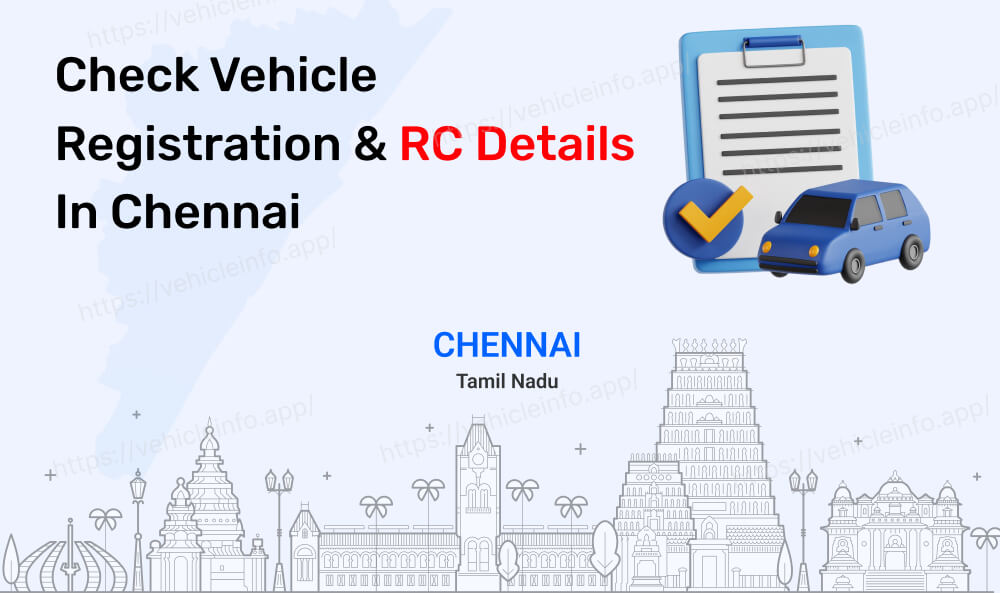
How to Check Vehicle Owner Details in Chennai? | Check RC
29 January, 2025
Whether you're in Chennai or any other part of India, checking vehicle details can be essential. This is particularly important for buyers, sellers, and those involved in vehicle maintenance. Verifying ownership, RC status, and insurance details ensures legal compliance and helps make informed decisions. Below, we will guide you on how to Check RC Details in Chennai.
Chennai RTO Code Details
The Chennai Central Regional Transport Office (RTO), located in Tamil Nadu with the code TN-01, can be contacted via phone or email. The address for the Chennai Central TN-01 RTO is provided below. For vehicle registration details outside Chennai Central, use the search box to enter the registration number. Vehicleinfo extensive RTO database ensures accurate information from any state or union territory in India.
| RTO Code | Location |
|---|---|
| TN-01 | Chennai Central |
| TN-02 | Chennai North West |
| TN-03 | Chennai North East |
| TN-04 | Chennai (East) |
| TN-05 | Chennai (North) |
| TN-06 | Chennai (South East) |
| TN-07 | Chennai (South) |
| TN-09 | Chennai (West) |
| TN-10 | Chennai (South West) |
How to Check Vehicle Owner Details in Tamil Nadu
1. Parivahan Website
- Visit the Parivahan website: Parivahan Website.
- Under "Informational Services," locate and select "Know Your Vehicle Details."
- Enter the vehicle's registration number and complete the captcha verification.
- Click "Search" and view the displayed vehicle information, which may include owner's name, registration date, and vehicle class.
2. Vehicleinfo Website
1. Visit the Vehicleinfo website.
2. Click the "Login" button and log in with a Mobile Number or Google.
3. Click on “Search Owner Details”.
4. Select “Tamil Nadu” state and select your RTO code.
5. Click the “vehicle number" button.
6. Enter your "vehicle number" and click the "search" button.
7. View all vehicle RC Details.
Information You Can Retrieve Using a Vehicle Number Plate
| Detail | Description |
|---|---|
| Owner Name | Partially visible registered owner name |
| Vehicle Make & Model | Manufacturer and model name |
| Vehicle Class & Type | Classification (e.g., car, bike, truck) |
| Fuel Type | Petrol, Diesel, CNG, or Electric |
| PUCC Expiry Date | Pollution Under Control Certificate validity |
| RC Expiry Date | Registration Certificate validity |
| Road Tax Details | Tax payment and validity information |
| Insurance Details | Insurer name, policy number, and expiry date |