Why Your E-Challan is Not Showing Online: 7 Reasons and How to Fix Each
18 June, 2026
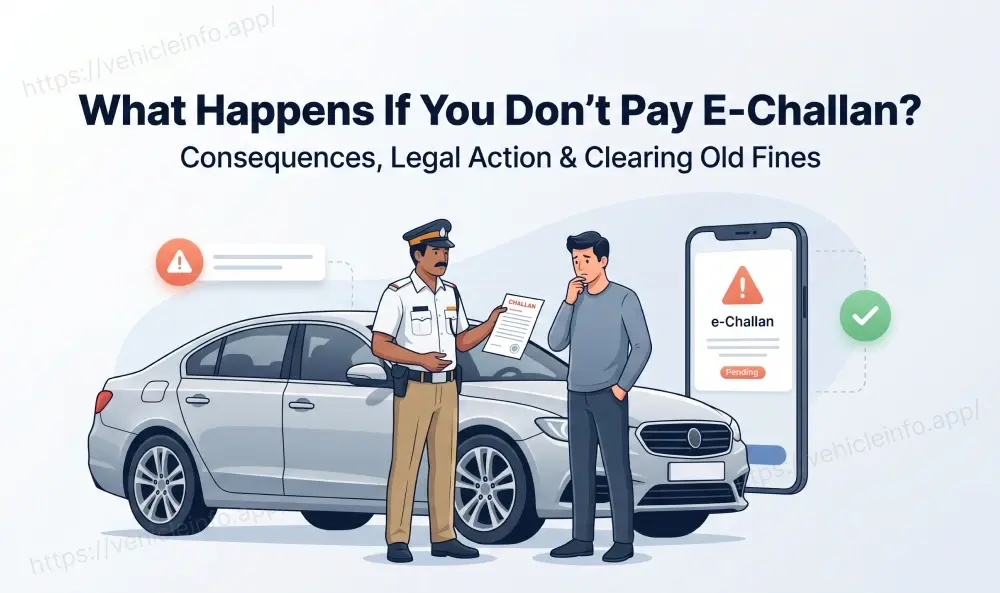
You got an SMS about a traffic violation. You searched on the Parivahan portal. Nothing. You tried the state police portal. Still nothing. An e-challan not showing online situation can mean several different things, and the approach to fixing it depends entirely on which reason applies. In some cases, the challan genuinely does not exist. In others it exists under a different number format, has already been paid, or is on a different portal. This guide covers all seven reasons an e-challan not showing online result appears and what to do about each one.
Understanding Why Challan Status Shows as Unavailable
Before going through each reason, it helps to know that e-challan status not available messages come from the Parivahan portal when no record matches the vehicle number entered. This does not automatically mean no challan exists. A query by vehicle number requires the database entry to be an exact match. Any discrepancy in the stored number format, a recent sync delay, or a wrong vehicle number entered by the issuing officer will all return a challan not found result even when the challan is real.
Reason 1: It Was a Paper Challan, Not Yet Entered
The most common cause of a manual challan not on portal situation is that the officer used a handwritten receipt book rather than a handheld e-challan device. The fine exists on paper but has not been digitised. The officer or their station must manually enter it into the system, which can take anywhere from hours to several days.
A manual challan not on portal is not the same as no challan existing. If you received a paper receipt, keep it. Contact the issuing traffic police station with the receipt number and ask whether it has been entered. If not, ask for an estimated entry date. An e-challan issued but not showing that originated as a paper challan will usually appear within 3 to 5 working days if the officer has submitted the paperwork.
Reason 2: Wrong Vehicle Number Format in the Search
The traffic challan not found by vehicle number error is frequently caused by a format mismatch between what you entered in the search and how the record was stored. Try all three of the following formats:
- No spaces and no hyphens: MH01AB1234
- With spaces: MH 01 AB 1234
- With hyphens: MH-01-AB-1234
Also confirm that you are using the correct state prefix and series. Old-format registrations (before 2000) used different series structures that may not match newer lookup formats. If your number plate says MH.01 with a dot, try MH01 without it.
Reason 3: Sync Delay Between Camera and Database
An e-challan issued but not showing in the first 24 to 72 hours after a camera-based violation is standard. Camera systems, whether ANPR on highways or CCTV at junctions, capture the violation and pass it to the state server, which then syncs with the national Parivahan database. This chain involves multiple handoffs and is rarely instant.
Wait 72 hours before concluding an e-challan not showing online situation is permanent for a camera-generated challan. The e-challan status not available message during this window simply means the data has not arrived. Check again after the 72-hour window on both echallan.parivahan.gov.in and your state police portal.
Reason 4: You Are Checking the Wrong Portal
A common source of why challan not showing on Parivahan results is that the challan is on the state portal but has not yet synced to the national system. State portals and Parivahan sync periodically, not in real time. A challan not appearing online on Parivahan may be fully visible on your state's traffic police portal.
If facing an e-challan not showing online result, check both: echallan.parivahan.gov.in (national) and your state's dedicated portal (for example, delhitrafficpolice.nic.in for Delhi, mumbaitrafficpolice.org for Mumbai, bangaloretrafficpolice.gov.in for Bengaluru). If the challan appears on the state portal but not Parivahan, wait 24 to 48 hours and check Parivahan again.
When you check challan online through The Vehicle Info platform, it pulls data from both sources and can surface challans not visible on either individual portal due to sync timing issues.
Reason 5: The Challan Predates the Digital System
An old challan not showing on any current portal is common for fines issued before your state's e-challan system went live. Most states launched digital challan systems between 2017 and 2021. Challans issued on paper before that window exist only in physical records at the traffic police station.
If your old challan not showing concern relates to a fine from several years before your state went digital, visit the traffic police station with your original challan number. They can check their physical ledgers and confirm whether the fine has been paid, cancelled, or is still outstanding.
Reason 6: The Challan Has Already Been Paid
If you paid a challan previously and are searching again, the result will be a challan not found response because paid challans are removed from the active outstanding list. A challan not appearing online after you are certain you received one may simply mean it was paid, either by you or by a previous vehicle owner if you recently bought a used vehicle.
Check your bank or UPI payment history for any transactions to traffic authorities. The Vehicle Info platform also retains payment records and can confirm whether a challan linked to your vehicle number has previously been cleared.
Reason 7: A Data Entry Error on the Officer's Device
When a challan not showing on Parivahan persists across all portals and all format variations, and the challan is recent enough that sync delay is not the explanation, a data entry error by the issuing officer is likely. If the officer typed your vehicle number incorrectly, the challan exists in the system but under a different entry.
This scenario means the challan is e-challan not visible when searching by your correct registration number. But the challan is there under a wrong number. Contact the issuing traffic police station with the officer's details, date of the violation, and your original receipt (if issued). They can locate the entry by other parameters and correct the vehicle number.
What to Do When Nothing Works
If none of the seven reasons above explains your e-challan not showing online situation after checking all portals and waiting 72 hours:
- File a grievance on the Parivahan portal using the complaint section. This creates a formal record and triggers an investigation into the missing data.
- Contact the traffic police station with jurisdiction over where the violation occurred. Bring any receipt, SMS, or written notice you received as evidence.
- File an RTI request for the original camera image and associated data if the challan relates to a camera-based enforcement event. The RTI response will confirm whether the challan was issued and what vehicle number is in the record.
Frequently Asked Questions
1. Why is my e-challan not showing online even though I got an SMS?
Ans: An e-challan not showing online after an SMS typically means a sync delay (wait 72 hours), a format mismatch, a manual challan not on the portal that was never digitised, a format mismatch in the vehicle number, or the challan is on the state portal but not yet on national Parivahan. Check both echallan.parivahan.gov.in and your state traffic police portal. If still not visible, check Vehicle Info at vehicleinfo.app/pay-challan-online, which aggregates both sources.
2. What does e-challan status not available mean?
Ans: The e-challan status not available message means no record matching your vehicle number was found in the database being searched. This can result from sync delay (first 72 hours), wrong number format, the challan being on a different portal, a data entry error by the officer, or the challan already being paid. It does not definitively mean no challan was issued. An e-challan not visible result should always be followed up with a format check and a state portal cross-check before concluding no fine exists.
3. Why is my challan not showing on Parivahan but visible on the state portal?
Ans: The challan not showing on Parivahan while visible on the state portal error is explained by periodic rather than real-time sync between the two databases. State portals update independently of Parivahan. Wait 24 to 48 additional hours and check Parivahan again. If it still does not appear, pay through the state portal to avoid escalation.
4. My challan was issued but is not showing anywhere after 3 days. What now?
Ans: An e-challan issued but not showing after 72 hours on all portals suggests either a data entry error with the wrong vehicle number, the challan was issued on paper and not digitised, or there is a specific system issue with your state's upload. Contact the issuing traffic police station with your receipt or the officer's details. Filing a Parivahan grievance is also advisable.
5. Can I find a traffic challan not found by vehicle number using other methods?
Ans: Yes. If a traffic challan not found by vehicle number search on Parivahan yields nothing, try your state portal with the same and alternate number formats. Also try the Vehicle Info check at vehicleinfo.app/pay-challan-online. If the challan is court-referred, check vcourts.gov.in. If it originated as a paper challan, the traffic police station is the only source.
6. Why is my old challan not showing on any portal?
Ans: An old challan not showing on any current portal is very common for fines issued before your state launched its digital system. These pre-digital challans exist only in paper records at the traffic police station. Visit the relevant station with your original receipt or reference number to check the status manually.