How to Check Payment Status in Driving Licence Online | Complete Guide
27 August, 2025
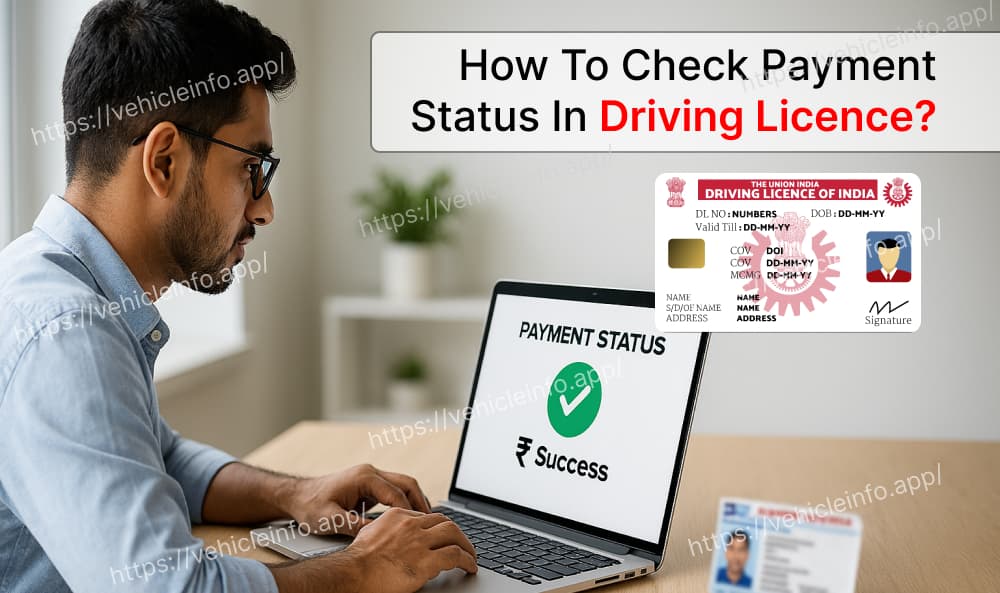
In today's digital era, almost all processes related to driving licence have become online. From submitting the application form to paying the fees, everything can be done from the comfort of your home. But after making the payment, one of the most common questions applicants have is whether the payment was successful or not. This is where the importance of check payment status comes in.
In this blog, we will explain in detail how to check payment status in driving licence applications, the step-by-step process, available platforms, and what to do if the payment is not reflected.
Why is Checking Driving Licence Payment Status Important?
Whenever you apply for a new driving licence, renewal, or even a duplicate licence, you need to make an online payment. However, due to network issues, banking errors, or technical glitches, the payment may sometimes get stuck. If your payment is not successful, your application will not be processed further.
That's why it is essential to check payment status after completing the transaction. It ensures that the payment has been credited properly and your driving licence application is moving forward without any delays.
How to Check Payment Status in Driving Licence
1. Through Parivahan Sewa Portal
The Parivahan Sewa Portal is the official government website for most transport-related services in India, including driving licence. You can easily check payment status on this portal.
Step-by-Step Process:
- Visit the Parivahan Sewa Portal.
- Select Driving Licence Related Services from the menu.
- Choose your state from the dropdown list.
- Click on Check Payment Status option.
- Enter your Application Number and Date of Birth.
- Click on Submit, and your payment details will appear on the screen.
This is the most reliable and widely used method for checking the payment status of your driving licence.
2. Through State Transport Department Website
Every state in India has its own RTO or Transport Department website. Some applicants prefer to use their state-specific portal to track services. For example:
- Delhi Transport Department
- Maharashtra Transport Department
- West Bengal Transport Department
On these state portals, you can log in with your application number and directly check payment status related to your driving licence application.
3. Through Bank or UPI Transaction History
Apart from government portals, you can also verify your payment status through your bank or UPI app. If you made the payment via:
- Net Banking
- Debit/Credit Card
- UPI (PhonePe, Paytm, Google Pay, BHIM)
Then you can check your transaction history to confirm whether the payment was successful. Although this does not update your application status directly, it gives you proof of a successful payment that you can use in case of disputes.
What to Do If Driving Licence Payment Status is Not Updated?
Sometimes even after a successful transaction, the portal may not immediately reflect your payment. Here's what you should do:
- Check your bank/UPI history to confirm the payment.
- Wait for 24 hours, as sometimes server errors cause delays.
- If still not updated, contact your RTO office with payment proof.
- You can also raise a complaint through the Parivahan Sewa Helpdesk.
By following these steps, you can ensure that your driving licence application is not delayed due to technical errors.
Safety Tips for Driving Licence Payments
- Always make payments only through the official Parivahan portal or your state transport department website.
- Avoid making payments on third-party or fraudulent websites.
- Always download and keep a copy of the receipt after payment.
- If a transaction fails, don't panic. Refunds are generally credited back within 5–7 working days.
Frequently Asked Questions (FAQs)
1. How can I check payment status for my driving licence?
Ans: You can check payment status through the Parivahan Sewa Portal or your state transport department's website using your application number and date of birth.
2. What if my payment fails while applying for a driving licence?
Ans: If your payment fails, the amount will usually be refunded to your bank account within a few working days. You can then try making the payment again.
3. Can my driving licence application proceed without checking the payment status?
Ans: No. Until your payment is confirmed, your driving licence application will not move forward in the system.
4. Can I check payment status from my mobile phone?
Ans: Yes. You can use the mobile browser or Parivahan Sewa mobile app to easily check payment status from your phone.
View Vehicleinfo for RC details and Challan-related information.
Conclusion
If you have applied for a new driving licence, renewal, or duplicate licence, confirming your payment is extremely important. By using the Parivahan Sewa portal, state transport department websites, or even your bank transaction history, you can easily check payment status in just a few steps.
Always remember to download your payment receipt, track the status regularly, and use only official platforms for payment. By doing this, you can ensure your driving licence process is smooth and hassle-free.