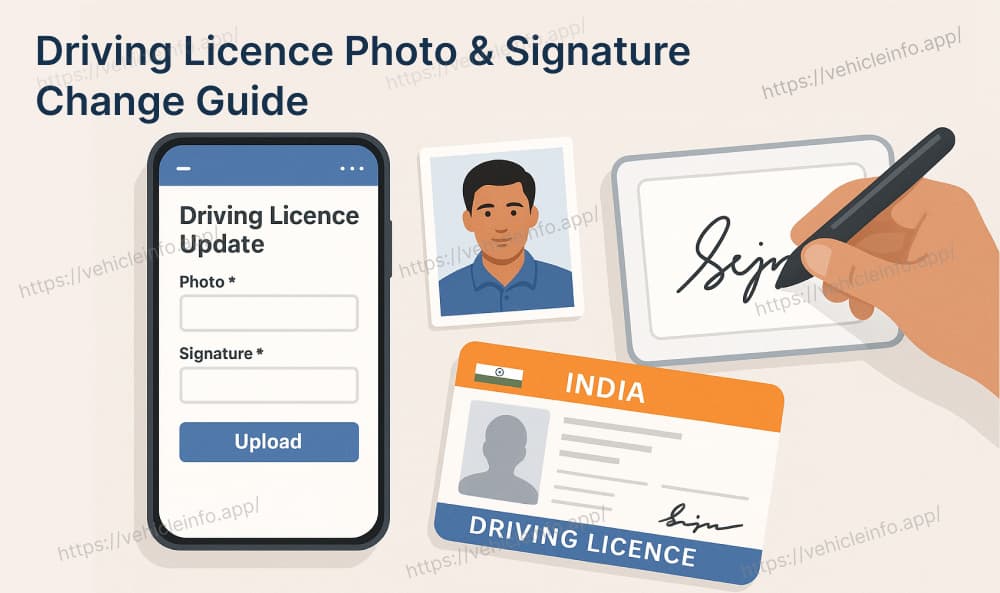
Driving Licence Photo & Signature Change Guide
09 June, 2025
Updating your driving licence photo and signature is essential when your appearance has changed significantly or if your signature has been updated. The Ministry of Road Transport and Highways in India has made the process simple and accessible through its Parivahan Sewa portal. In this blog, we will guide you step-by-step on how to change your photo and signature on your driving licence, both online and offline.
Why Update Driving Licence Photo and Signature?
Your driving licence is a key identity document used for official verification. Here are a few reasons why you might want to update the photo and signature:
- Major change in physical appearance
- Mismatched or outdated photograph
- Change in signature style
- Errors during DL issuance
- To ensure updated records in case of verification
Can You Change Photo and Signature on a Driving Licence?
Yes, the Government of India allows citizens to make certain driving licence changes, including updating the photo and signature. This can be done by applying for a "Change in DL particulars" through the Parivahan portal or by visiting the nearest RTO office.
Step-by-Step Guide to Driving Licence Photo and Signature Change Online
Here’s how you can update your driving licence photo and signature using the Parivahan portal:
1. Go to https://parivahan.gov.in
2. Click on the Online Services tab in the top menu.
3. Select “Driving Licence Related Services” under the Online Services tab.
4. Choose your state from the list.
5. Click on the Upload Document option in the menu.
6. Select “Upload Photograph and Signature” under the Upload Document section.
7. Upload your recent photo and signature in the required format.
8. Click on “Save Photo & Signature Image Files” to complete the upload process.
Note : This Services is available as per states customization.
9. Pay the nominal fee (usually ₹200 to ₹500) using the online payment system.
Offline Process – Visit Your RTO
If you're unable to apply online, follow the offline method:
- Visit your nearest Regional Transport Office (RTO).
- Collect Form LLD (Application for changes in DL).
- Attach passport-size photograph and sign where required.
- Submit documents and pay the application fee.
- Appear for biometric verification/photo at the RTO.
- Collect acknowledgment slip and wait for the updated DL to arrive via post.
Documents Required for Driving Licence Photo and Signature Change
| Document | Purpose |
|---|---|
| Aadhaar Card / PAN Card | Identity proof |
| Address Proof (utility bill, etc.) | Residential verification |
| Passport-size photograph | New photo for DL |
| Scanned signature | New digital signature |
| Form 1A (Medical, if age > 40) | Health certificate (if applicable) |
Application Fee for DL Photo & Signature Change
The fee varies slightly by state but generally includes:
- Change in particulars fee: ₹200 – ₹500
- Service charges (online/offline): May apply
- Smart card fee (if DL is re-issued): ₹200 – ₹300
Track Status of Driving Licence Change
You can track your application status via the Parivahan website:
- Go to “Driving Licence Related Services”
- Select your state
- Click on “Application Status”
- Enter application number and DOB
Things to Keep in Mind
- Ensure the photo and signature match the official format and size
- Keep originals and photocopies ready when visiting RTO
- Use updated mobile number for receiving OTPs and updates
- Processing may take 7–14 working days
Final Thoughts
Updating your driving licence photo and signature is now simpler than ever thanks to the digital services offered through Parivahan Sewa. Whether you’re updating for ID proof purposes, or because of a major change in appearance, make sure your DL reflects your latest information to avoid problems in the future.
FAQs – Driving Licence Photo and Signature Change
1. Can I change the photo on my driving licence online?
Ans: Yes, through the Parivahan portal, under DL services.
2. Do I need to visit the RTO after applying online?
Ans: In some states, yes. You may be called for biometric/photo capture.
3. How long does it take to update DL photo/signature?
Ans: It generally takes 7–14 working days.
4. Is it mandatory to update DL photo after a certain age?
Ans: Not mandatory, but recommended especially if your photo is outdated.