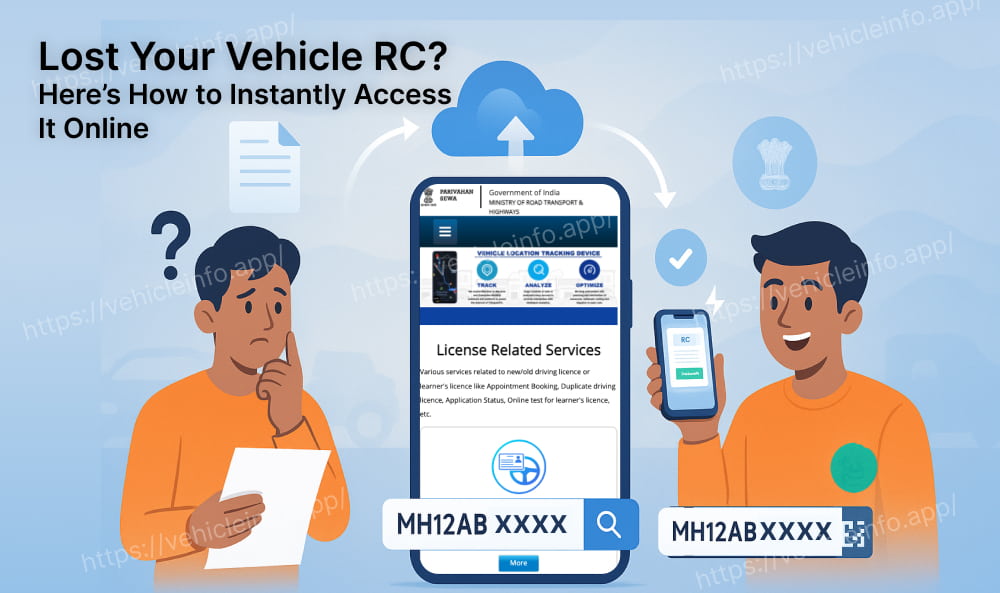
Lost Your Vehicle RC? Here’s How to Instantly Check RC Details and Download RC Book Online
04 June, 2025
Have you lost your vehicle’s Registration Certificate (RC) and are unsure of what to do next? Don’t panic. With digital tools like Vahan, DigiLocker, and mParivahan, it’s now incredibly easy to download RC book online in just a few minutes-without visiting the RTO office.
Why the RC Book Matters
The RC book is an essential document that proves ownership of your vehicle. Whether you're stopped by traffic police, selling your car, or applying for a loan, this certificate is a must-have. Losing it can be frustrating-but fortunately, the RC book download process is now quick and hassle-free.
How to Download RC Online via the mParivahan Portal.
Here’s a step-by-step guide on how to download RC online using the official Vahan website:
- Visit the mParivahan Portal.
- Click on Online Services > Vehicle-Related Services.
- Choose your state and log in with your mobile number and OTP.
- Enter your vehicle registration number and chassis number.
- Select the Download Document or RC Print option.
- Save your RC book digitally to your phone or computer.
Also Read: How to Update Mobile Number in RC Online
RC Book Download via DigiLocker
Another easy way to download RC book is through the DigiLocker platform:
- Create a DigiLocker Account.
- Link Aadhaar Number
- Login to DigiLocker
- Access Issued Documents
- Get More Issued Documents
- Select Ministry and Option
- Enter Vehicle Details
- Get Document
- Download RC Book

Is the Digital RC Book Valid?
Yes! The digital RC book obtained via Vahan, DigiLocker, or mParivahan is fully legal and accepted by traffic authorities across India. You can show it during inspections, submit it for vehicle transfers, or use it anywhere physical RCs are required.
Download RC Book Instantly – No Queues, No Hassle
Losing your physical RC doesn’t mean panic. Knowing how to download RC online gives you a fast, official, and reliable way to access it anytime. These government-backed platforms offer:
- Instant access
- Secure downloads
- Zero paperwork
Check the Vehicle Owner Details at Vehicleinfo
How to Check RC Details Instantly at Vehicleinfo
Steps to Use Vehicleinfo:
- Visit Vehicleinfo website.
- Click the "Login" button and log in with a Mobile Number or Google.
- Click on “Search Owner Details”.
- Select Your state and select your RTO code.
- Click the “vehicle number" button.
- Enter your "vehicle number" and click the "search" button.
- View all vehicle RC Details.
Conclusion
Now that you know how to download RC online, don’t delay. Whether you use Vahan, DigiLocker, or mParivahan, your RC book download is just a few taps away. It’s smart, simple, and completely legal-get your digital RC today and drive stress-free.