How to Update Address On Vehicle RC Online a Step-by-step Guide
18 March, 2025
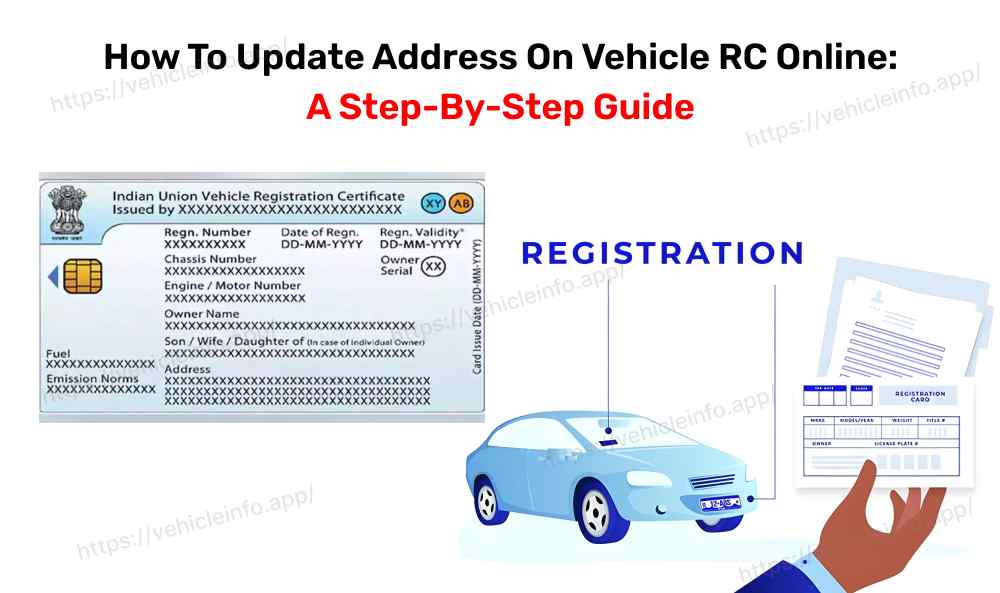
Need to update your address on your Vehicle Registration Certificate (RC) online? Your RC is an essential document proving your vehicle’s legal registration and ownership. It includes key details such as the registration number, make, model, and owner’s information. Keeping your address up to date ensures compliance with motor vehicle regulations and smooth communication with authorities. The Parivahan Sewa website provides a streamlined process for this update.

Documents Required to Update Address on Vehicle RC Online (As per Parivahan Sewa):
- Duly filled Form 33 (Application for address change)
- Original RC (Vehicle Registration Certificate)
- Proof of new address (Aadhaar, utility bill, rental agreement, etc.)
- Valid insurance certificate
- Pollution Under Control (PUC) certificate
- No Objection Certificate (NOC) (If the vehicle is financed)
- Smart card fee (if applicable)
- Chassis & engine pencil print (if applicable)
- Owner’s signature verification (if required)
How to Change Address on Vehicle RC Online – Step-by-Step
- Step 1: Access the Parivahan Sewa Website
- Step 2: Log In
- Step 3: Select Vehicle Related Services
- Step 4: Enter Vehicle Details
- Step 5: Generate OTP for Authentication
- Step 6: Initiate the Change Address on Vehicle RC Online Request
- Step 7: Upload Documents
- Step 8: Book an RTO Appointment
- Step 9: Make Payment & Print Receipt
- Step 10: Visit the RTO for Verification
- Step 11: Address Update Confirmation
Visit the official Parivahan Sewa or Vahan e-services portal under the Ministry of Road Transport and Highways.
Click on "Login", enter your user ID, password, and security code to access your account.
Navigate to “Online Services” and choose "Vehicle Related Services" to begin the process.
Provide your Vehicle Registration Number and the last five digits of the chassis number to verify ownership.
Click to generate an OTP and enter the code received on your registered mobile number.
Select “Change of Address in RC” and fill in the required details.
Upload all necessary documents using the Document Management System (DMS) option.
Choose a suitable date and time for verification at your Regional Transport Office (RTO).
Complete the payment online and download the payment receipt for reference.
Take the printed receipt and original documents to the RTO for verification.
Once verification is successful, your new address will be updated on the Vehicle RC, ensuring accurate documentation.
Also Read: Online RC Download Detailed Process in India
For users in Delhi, follow the same steps for change address on vehicle RC online Delhi through the Parivahan Sewa website.
Check the Vehicle Owner Details at Vehicleinfo