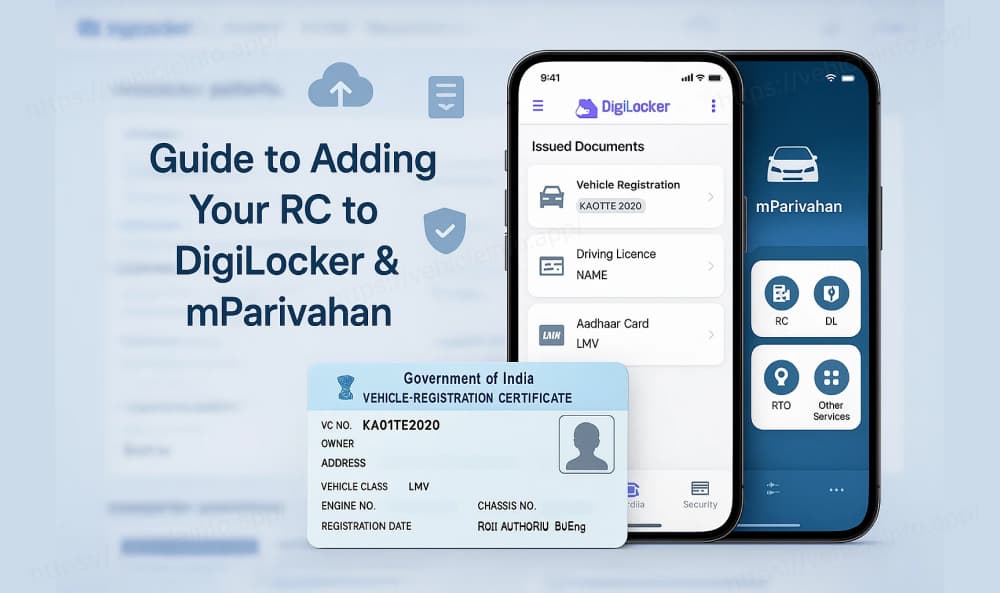
Guide to Adding Your Vehicle Registration Certificate (RC) to DigiLocker and mParivahan
22 July, 2024
India's rapid technological advancements are reshaping administrative procedures particularly in the realm of digitally storing essential car documents. A pivotal component of this digital transformation is the Registration Certificate (RC) which can now be securely stored on two key platforms: DigiLocker and mParivahan.
Understanding DigiLocker and mParivahan
DigiLocker:
DigiLocker serves as a secure digital repository provided by the Government of India. It enables users to store various government-issued documents electronically including RCs PAN cards Driving Licences and more. Each user is allocated 1 GB of storage space facilitating the upload of scanned copies of legacy documents. Access to DigiLocker requires an Aadhaar number for enhanced security.
Benefits of Using DigiLocker:
Convenience and Cost-effectiveness: Instant access to documents saves time and eliminates the need for physical copies reducing printing costs and promoting environmental sustainability.
Safety and Security: DigiLocker employs robust security measures such as SSL encryption and multi-factor authentication ensuring the safety of stored documents.
Wide Acceptance: Documents stored in DigiLocker are recognized as valid equivalents to physical copies by government authorities.
Support for Digital Signatures: Users can electronically sign documents within DigiLocker streamlining bureaucratic processes.
Seamless Integration: DigiLocker integrates smoothly with various government services enhancing efficiency in transactions like passport applications.
mParivahan:
Developed by the Ministry of Road Transport and Highways (MoRTH) mParivahan is a mobile app tailored for easy access to vehicle-related documents. It allows users to manage virtual copies of Driving Licences RCs and other essential documents directly from their smartphones. Beyond document storage mParivahan offers services such as applying for new Driving Licences paying e-challans and locating nearby RTO offices.
Key Differences Between DigiLocker and mParivahan:
DigiLocker: Focuses on storing a wide array of government-issued documents beyond vehicle-related papers.
mParivahan: Specializes in managing vehicle-related documents and provides comprehensive RTO services.
Certainly! Let's explain the steps in full detail for uploading your Registration Certificate (RC) in both DigiLocker and mParivahan:
Uploading Your Registration Certificate (RC) in DigiLocker:
1. Accessing DigiLocker:
- Visit the DigiLocker website or download the DigiLocker mobile app from Google Play Store (for Android) or Apple App Store (for iOS).
- Sign up for DigiLocker using your mobile number.
- Complete the Aadhaar verification process to authenticate your identity.
2. Navigating to Upload Documents:
- Once logged in
you will see various options. Navigate to the section where you can upload documents.
- Look for the option to upload Driving Licence or RC (Registration Certificate).
3. Uploading Your RC:
- Select "Search Documents" and type Registration Certificate in the search box.
- Choose your state's transport department from the list provided.
- Enter the required details such as your RC number
Date of Birth
Name
etc.
- Click on Get Details to fetch the information related to your RC from the transport department's database.
4. Saving Your RC in DigiLocker:
- Review the fetched details to ensure accuracy.
- Once verified
click on Save Document or Save Document Link in Issued Documents (options may vary slightly depending on the interface).
- Your RC will now be securely saved in your DigiLocker account.
5. Accessing Your RC in DigiLocker:
- To access your RC later
sign in to your DigiLocker account using your username and password or via the OTP (One Time Password) method.
- Navigate to the section labeled Issued Documents or similar.
- Locate your Registration Certificate from the list and click on the download icon to view or download it as needed.
6. Validating Your DigiLocker RC:
- Documents stored in DigiLocker are recognized as valid equivalents to physical copies by government authorities.
- When required (e.g.
during traffic checks)
you can present the electronic copy of your RC from the DigiLocker app on your smartphone.
Uploading Your Registration Certificate (RC) in mParivahan:
1. Downloading and Setting Up mParivahan:
- Download the mParivahan mobile app from Google Play Store (for Android) or Apple App Store (for iOS) and install it on your device.
- Open the app and sign up using your mobile number. Complete the verification process via OTP to authenticate your account.
2. Uploading Your RC in mParivahan:
- Once logged in
navigate to the section dedicated to vehicle-related documents or RCs.
- Look for the option to upload your Registration Certificate.
- Enter your RC number and other necessary details as prompted by the app.
- Verify your information and submit the details to allow mParivahan to fetch and save your RC electronically.
3. Accessing Your RC in mParivahan:
- After uploading
your Registration Certificate will be accessible within the app's dashboard or designated section for vehicle documents.
- You can view details of your RC anytime and download a virtual copy if needed directly from the app.
4. Using mParivahan for RTO Services:
- Apart from document storage
mParivahan offers various RTO-related services such as applying for new Driving Licences
paying e-challans
and locating nearby RTO offices.
- It serves as a comprehensive tool for managing all your vehicle-related needs conveniently from your smartphone.
In essence these digital platforms represent a significant leap forward in India's administrative landscape offering citizens secure efficient and accessible means to manage their essential documents. Whether through DigiLocker's versatile document storage or mParivahan's specialized vehicle services these innovations underscore India's commitment to harnessing technology for streamlined governance and enhanced public service delivery.
You can also check your vehicle details by number on VehicleInfo!