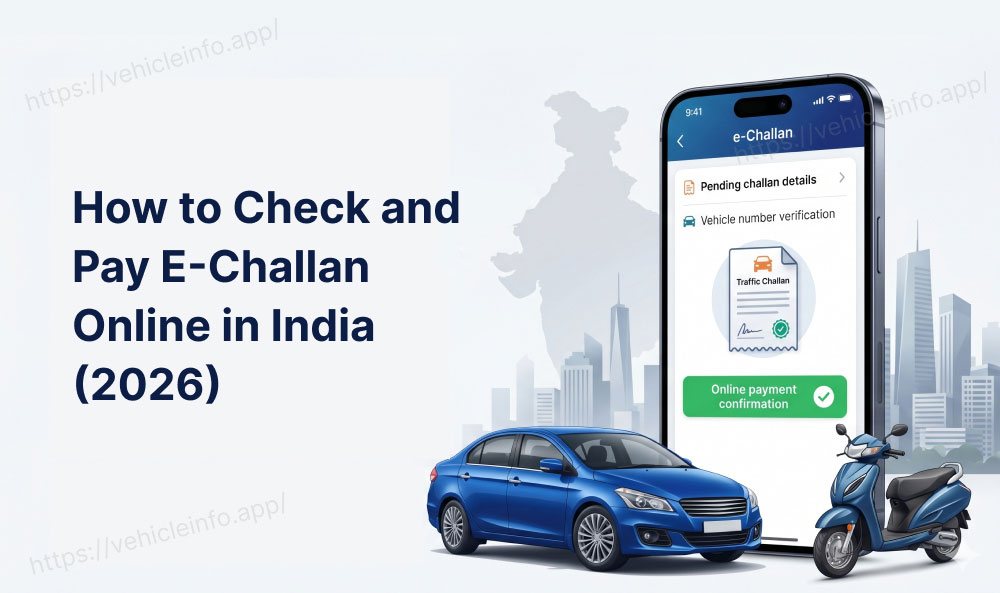
How to Check and Pay E-Challan Online in India (2026): Your Complete Guide
16 June, 2026
Got a notification about a pending traffic fine? Maybe a friend spotted your vehicle number linked to a challan, or you simply want to confirm whether you have any dues before renewing your RC or DL. Whatever the reason, the good news is that an e-challan check online takes under five minutes and requires no trip to a police station, RTO office, or court.
India's digital traffic enforcement network has grown at a remarkable pace. As of 2024, over 8 crore e-challans have been issued through the national Parivahan platform alone. ANPR cameras, speed radar guns, body-worn cameras, and handheld POS devices used by traffic police all feed into the same centralised system.
This guide covers every method you need for an e-challan check online: by vehicle number, by challan number, and by driving licence number. It also walks you through how to pay e-challan online via the official portal, UPI apps, and bank channels.
E-Challan Explained: What It Is and Why You Should Do a Traffic Challan Check Today
An e-challan is a digitally issued traffic penalty under the Motor Vehicles Act, 1988. Unlike the old paper challans that required a trip to a magistrate's court or designated police station, an e-challan is entirely paperless.
Traffic police issue e-challans through two primary channels:
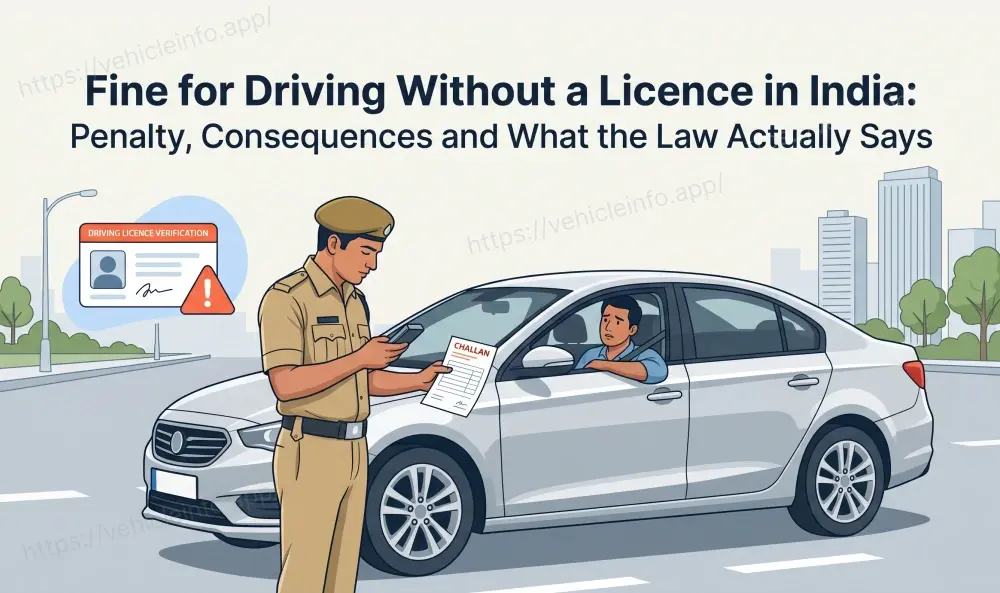
- Field-issued challans: A traffic officer stops your vehicle, records the violation on a handheld POS device, and issues the challan on the spot.
- Camera-detected challans: CCTV cameras, speed sensors, and ANPR systems automatically capture violations such as red light jumping, overspeeding, and no-helmet riding.
When you do an e-challan check online, both types of challans appear in your results. The challan is linked to either your vehicle registration number or your driving licence number.
Why Should You Do a Traffic Challan Check Without Delay?
The 2019 Motor Vehicles Amendment Act significantly increased fine amounts across the country.
| Violation | Fine Before 2019 | Fine After 2019 |
|---|---|---|
| Not wearing helmet | Rs 100 | Rs 1,000 |
| Using mobile while driving | Rs 1,000 | Rs 5,000 |
| Drunk driving | Rs 2,000 | Rs 10,000 |
| Overspeeding | Rs 400 | Rs 1,000 to Rs 2,000 |
| No seatbelt | Rs 100 | Rs 1,000 |
| Driving without licence | Rs 500 | Rs 5,000 |
Beyond the fines themselves, unpaid challans can block RC renewal, DL renewal, and ownership transfers on the Vahan system.
Do an E-Challan Check Online in Three Ways
The national e-challan portal at echallan.parivahan.gov.in lets you complete an e-challan check online using three different identifiers.
How to Check E-Challan by Vehicle Number
- Go to echallan.parivahan.gov.in on your browser or mobile.
- On the homepage, click Check Challan Status.
- From the dropdown, select Vehicle Number.
- Enter your vehicle registration number in capital letters without spaces.
- Enter either the last five digits of your chassis number or engine number.
- Type the captcha code and click Get Detail.
How to Check Challan by Challan Number
- Go to echallan.parivahan.gov.in.
- Click Check Challan Status.
- Select Challan Number from the dropdown.
- Enter the 17-digit challan number exactly as printed.
- Enter the captcha and click Get Detail.
How to Check E-Challan by DL Number
- Go to echallan.parivahan.gov.in.
- Click Check Challan Status.
- Select Driving Licence Number from the dropdown.
- Enter your DL number in the standard format.
- Enter the captcha and click Get Detail.
Step-by-Step E-Challan Check Online via echallan.parivahan.gov.in
- Step 1: Open echallan.parivahan.gov.in.
- Step 2: Click Check Challan Status.
- Step 3: Enter your vehicle number, challan number, or DL number.
- Step 4: Review challan number, date, time, location, offence type, fine amount, and status.
- Step 5: Click Pay Now if the challan is pending.
- Step 6: Save your receipt after successful payment.
The challan status usually updates to Disposed within 24 to 48 hours of payment.
Your State's Own Portal: RTO Challan Check State by State
| State | Challan Portal URL |
|---|---|
| Delhi | delhitrafficpolice.nic.in |
| Maharashtra | mahatrafficmis.in |
| Karnataka | echallan.parivahan.gov.in |
| Tamil Nadu | tnechallan.parivahan.gov.in |
| Uttar Pradesh | uppolice.gov.in |
| Gujarat | echallan.parivahan.gov.in |
| Rajasthan | traffic.rajasthan.gov.in |
| Telangana | hyd.traffic.gov.in |
Run an E-Challan Check Online via Apps
Paytm: Paytm includes a dedicated Challan section under Recharge and Pay Bills. Enter your vehicle number to check pending challans and pay immediately.
Park+: Park+ connects to the Vahan challan database to retrieve challan information and allows payment using UPI or card.
ACKO: ACKO integrates a challan check feature into your vehicle profile, making it useful for users who already manage insurance through the app.
mParivahan App: mParivahan is the official government app for vehicle and licence services. It allows you to check challans, store RC and DL digitally, and view vehicle details.
How to Pay E-Challan Online
Pay via the Parivahan Portal
- Click Pay Now on the challan details page.
- You will be redirected to the MoRTH payment gateway.
- Choose UPI, debit card, credit card, or net banking.
- Complete the transaction.
- Download or screenshot the payment receipt.
Pay Via Vehicle Info
Vehicle Info lets you do a full e-challan check online by vehicle number, view pending fines, and pay them instantly. It also gives access to RC owner details, insurance buying and renewal, FASTag recharges, PUC status, and service history reports.
Pay via UPI Apps
- Paytm: Go to Recharge and Pay Bills, select Challan, enter vehicle number, confirm pending challan, and tap Pay.
- Google Pay: Go to Bills, select Traffic Challan, enter vehicle registration number, review, and pay.
- PhonePe: Go to Recharge and Pay Bills, select Challan, enter vehicle number, and pay using UPI ID or linked bank account.
Pay via Bank Counter or Demand Draft
- Your e-challan payment has failed repeatedly and your bank statement shows a deduction without confirmation.
- You have received a physical court summons requiring a compounding fee paid directly at the RTO.
- The challan involves a court-mandated fine amount that cannot be settled digitally.
E-Challan Payment Not Going Through? Here Are the Fixes
Problem: Payment gateway keeps timing out
Try paying early in the morning or late evening. Clearing your browser cache and cookies can also help.
Problem: Amount deducted but challan status still shows Pending
Do not make a second payment. Wait 48 to 72 hours for reconciliation. If the status does not update, contact the Parivahan helpline.
Problem: UPI payment failed but a transaction ID was generated
Check your bank account or UPI transaction history. If the amount was deducted, raise a dispute through your UPI app and contact the helpline.
Problem: Challan shows Disposed even though you have not paid
This may happen if the previous owner paid it, the issuing officer cancelled it, or it was resolved through Lok Adalat.
Problem: OTP not received during e-challan payment
Make sure your mobile number is linked to your vehicle registration on the Vahan portal.
Frequently Asked Questions
1. How do I do a free e-challan check online using my vehicle number?
Ans: You can do a free e-challan check online at echallan.parivahan.gov.in by selecting Vehicle Number, entering your registration number and the last five digits of your chassis or engine number, solving the captcha, and clicking Get Detail.
2. How can I check e-challan status if I have lost the challan slip?
Ans: You do not need the original challan slip. Visit echallan.parivahan.gov.in and use your vehicle registration number or driving licence number as your identifier.
3. My e-challan is not showing on the portal. What should I do?
Ans: If the e-challan not showing issue persists beyond 24 to 48 hours, check your state-specific traffic portal too. If it is not showing after 72 hours, contact the issuing authority.
4. Can I pay old challan online if it is from a few years ago?
Ans: Yes, you can pay old challan online through the Parivahan portal or any UPI app, provided the case has not reached a physical court.
5. What is the difference between the Parivahan portal and a state traffic portal?
Ans: The echallan parivahan portal is the national system run by MoRTH. State portals are independently operated by state traffic police and may carry more detailed or real-time challan data.
6. Does e-challan payment reflect on the portal immediately after paying?
Ans: Not immediately. After successful payment, the challan status updates from Pending to Disposed within 24 to 48 hours.
7. Can I do an e-challan check by DL number for challans issued in a different state?
Ans: Yes. The e-challan check by DL number retrieves data from all states integrated with the national system.
8. How to pay traffic challan online if my vehicle number is not being recognised?
Ans: Enter the vehicle number in capital letters with no spaces or special characters. If it still fails, use your challan number directly.
9. Is it safe to do an e-challan check online and pay through Paytm, Park+, or ACKO?
Ans: Yes, paying through established apps like Paytm, Park+, and ACKO is safe because these platforms connect to the official Parivahan system.
10. What is Vahan challan?
Ans: Vahan challan refers to e-challans linked to vehicle registration records on the Vahan platform, which is part of the Parivahan ecosystem managed by MoRTH.
11. What happens to an RTO challan check if I have sold my vehicle?
Ans: If you sold your vehicle without completing RC transfer, challans issued after the sale date may still appear under your name.
12. Can unpaid e-challans block my RC or DL renewal?
Ans: Yes. Unpaid challans can block RC renewal, DL renewal, and ownership transfers until all pending dues are cleared.
13. How do I retrieve my e-challan payment receipt if I did not save it?
Ans: If you paid via the Parivahan portal, the receipt becomes accessible under your challan record once the status updates to Disposed. If you paid via Paytm or Google Pay, check your transaction history.