How to Check E-Challan in Tamil Nadu - A Simple Guide for Traffic Fines
08 January, 2025
In today's digital age it's crucial to stay informed about your traffic violations. The Tamil Nadu government provides convenient online platforms to Check Your e-challan status quickly and efficiently. This guide will walk you through the various methods available for checking your e-challan in Tamil Nadu.
What is an E-Challan?
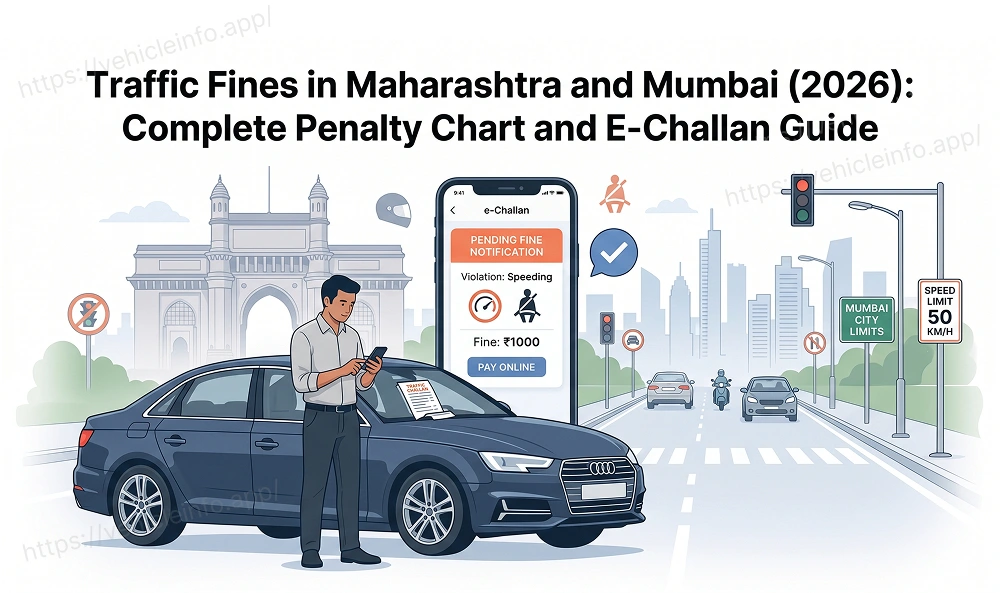
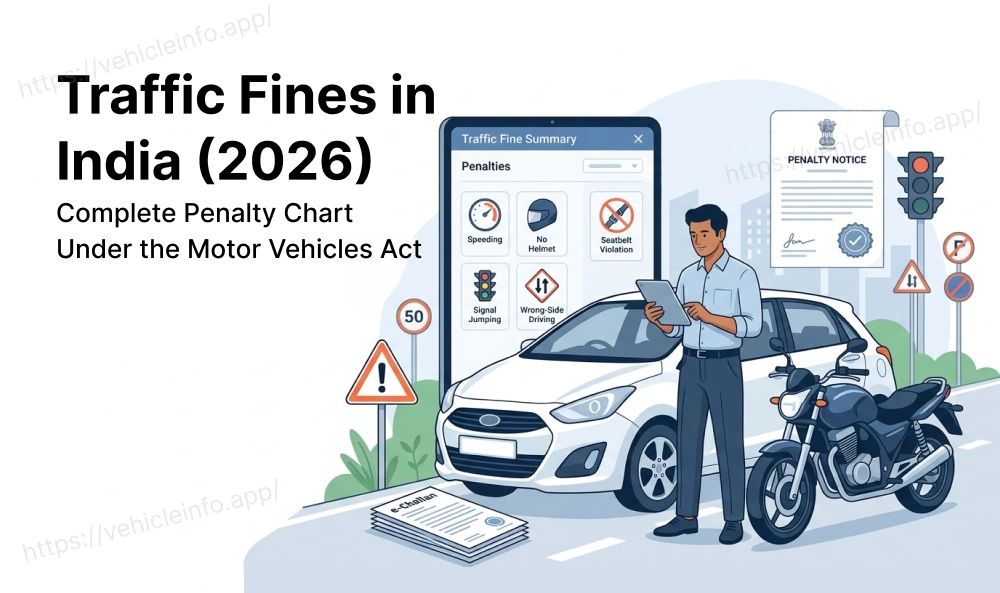
An e-challan is an electronic challan issued by traffic police for traffic violations such as speeding jumping red lights not wearing helmets etc. These challans are issued digitally and can be paid online making the process more streamlined and convenient.
Why is it Important to Check Your E-Challan Status?
- Avoid Pending Fines: Unpaid e-challans can accumulate and attract penalties leading to legal complications.
- Stay Updated: Regularly checking your e-challan status helps you stay informed about any outstanding traffic violations.
- Plan Your Budget: Knowing your outstanding fines allows you to plan your budget accordingly.
- Clear Your Driving Record: Paying your e-challans on time helps maintain a clean driving record.
Methods to Check E-Challan in Tamil Nadu:
1. Vehicleinfo.app
1. Visit the Vehicleinfo website and click on 'Challan Search.'
2. Enter your vehicle number, and click the search button.
3. View all your challans and their status related to your vehicle number.
2. Parivahan Website:
- Visit the Parivahan Website: Go to the official Parivahan website
- Select "Know Your Challan": Find and click on the "Know Your Challan" option.
- Enter Vehicle Details: Enter your vehicle registration number and other required details.
- View Challan Details: The system will display all the outstanding e-challans issued against your vehicle.
- Pay the Fine: You can pay the fine online through various payment gateways.

3. mParivahan App:
- Download the App: Download the mParivahan app from Google Play Store or Apple App Store.
- Register and Login: Register on the app using your mobile number or other credentials.
- Check Challan Status: Navigate to the "Know Your Challan" section within the app.
- Enter Vehicle Details: Enter your vehicle registration number.
- View and Pay Challans: View the details of any outstanding challans and pay them directly through the app.
4. Traffic Police Website (Tamil Nadu):
- Visit the Official Website: Go to the official website of the Tamil Nadu Traffic Police (if available).
- Look for E-Challan Services: Check if the website provides an option to check e-challan status online.
- Follow the Instructions: Follow the instructions provided on the website to enter your vehicle details and view your challan status.
Tips for Checking E-Challan Status in Tamil Nadu:
- Keep Your Vehicle Registration Number Handy: Always have your vehicle registration number readily available.
- Ensure Accurate Information: Enter your vehicle details accurately to avoid any errors.
- Check Regularly: Make it a habit to check your e-challan status periodically to avoid accumulating fines.
- Pay Fines on Time: Pay your fines promptly to avoid late payment fees and legal complications.
- Maintain a Clean Driving Record: Adhere to traffic rules and regulations to avoid traffic violations.
Important Notes:
- The availability and specific features of online e-challan checking services may vary.
- Always refer to the official websites and app information for the most up-to-date details.
- If you encounter any difficulties while checking your e-challan status contact the Tamil Nadu Traffic Police for assistance.