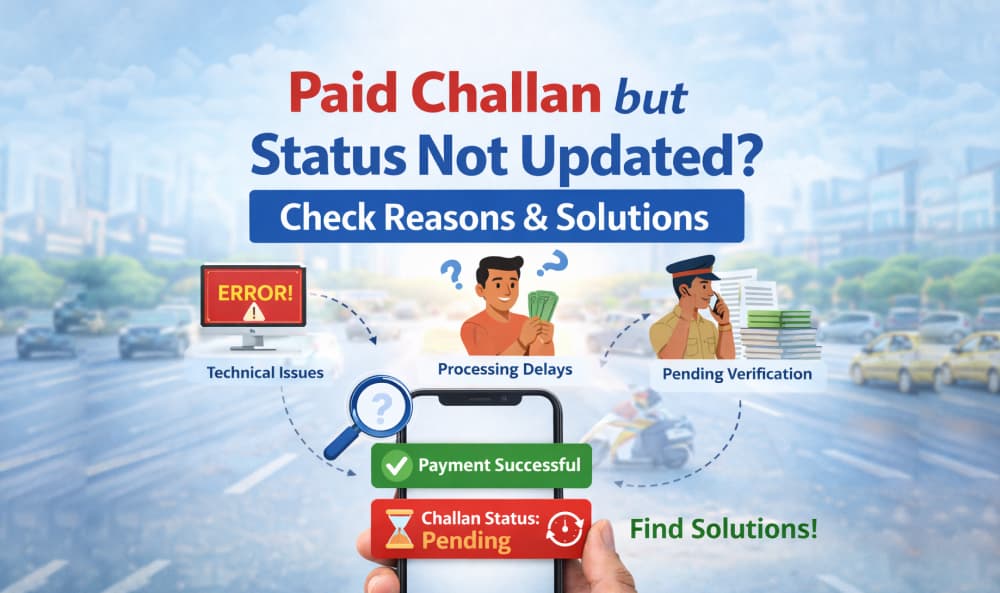
Paid Challan but Status Not Updated? Check Reasons & Solutions
07 January, 2026
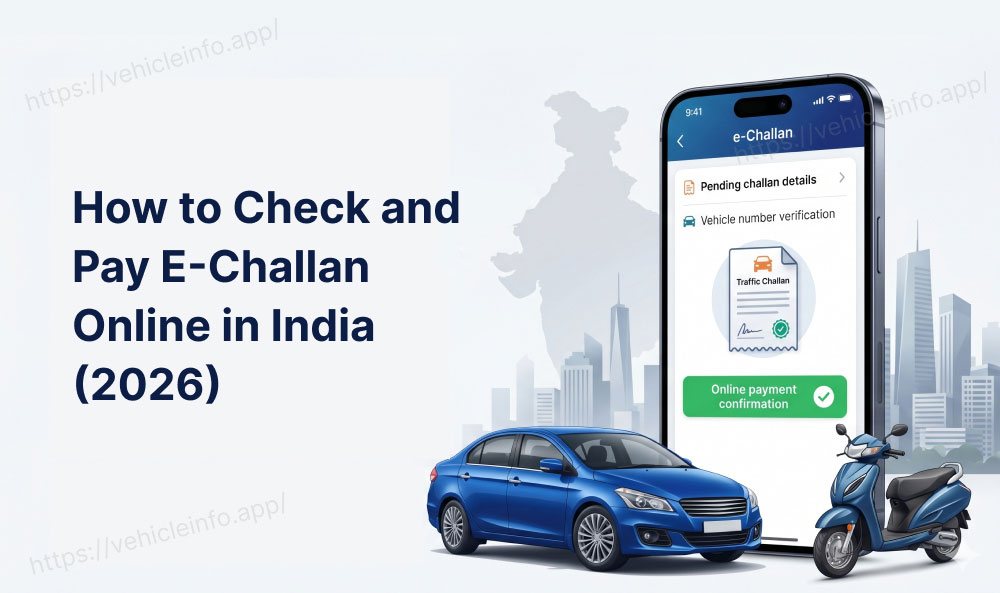
Online challan payment has made it easy to follow traffic and government rules. But many users face a frustrating issue — the challan amount is paid, yet the challan status is not updated on the official portal. If you’ve paid your e-challan and it still shows pending, this guide explains the reasons and exact solutions to help you settle challan issues quickly.
Why Is Your Challan Status Not Updated After Payment?
There are several common reasons why your challan status may not update even after you pay challan online:
1. Payment Gateway Delay
After you pay challan, the payment gateway may take some time to confirm the transaction. In most cases, challan status updates within 24-72 hours.
2. Technical Issue on e-Challan Portal
Server downtime or heavy traffic on the e-challan portal can delay status synchronization even if the payment is successful.
3. Bank Transaction Pending
Sometimes the amount is deducted from your bank, but the transaction remains pending, causing a delay in updating the challan record.
4. Incorrect Challan Details
Entering the wrong vehicle number or challan number can prevent the system from updating the correct challan status.
5. Weekend or Bank Holiday Delay
Payments made on weekends or public holidays may take extra time to reflect on the challan portal.

What to Do If Paid Challan Status Is Not Updated?
Follow these steps to settle challan payment issues safely:
Step 1: Wait for 2-3 Working Days
Most e-challan payments update automatically within 72 hours.
Step 2: Recheck Challan Status Online
Visit the official portal and check your challan status using:
- Vehicle number
- Challan number
If the payment was not successful earlier, you can Check Challan Online again through the official portal.
Step 3: Verify Bank Statement
Check whether the transaction shows:
- Successful
- Pending
- Failed
This helps confirm if the challan payment was actually processed.
Step 4: Download Payment Receipt
Always save the receipt after you pay challan, as it works as proof in case of disputes.
Step 5: Contact Support to Settle Challan
If your challan status is not updated after 72 hours, contact:
- e-challan portal helpdesk
- Your bank customer care
Share your transaction ID and payment receipt to settle challan issues faster.
Also Read: How to Check Traffic Challan Online in India
Will You Get a Refund If Challan Status Is Not Updated?
Yes. If your challan payment fails or does not reflect, the deducted amount is usually refunded within 5-7 working days by the bank.
How to Avoid Challan Payment Issues in the Future?
- Double-check challan details before payment
- Use official portals to pay challan online
- Avoid making payments during peak hours
- Keep payment receipts until challan status shows “Paid”
Conclusion
If you’ve paid a challan but the challan status is not updated, it is usually due to technical or banking delays. In most cases, the issue resolves automatically within a few days. If not, following the correct steps will help you settle challan payments without stress.