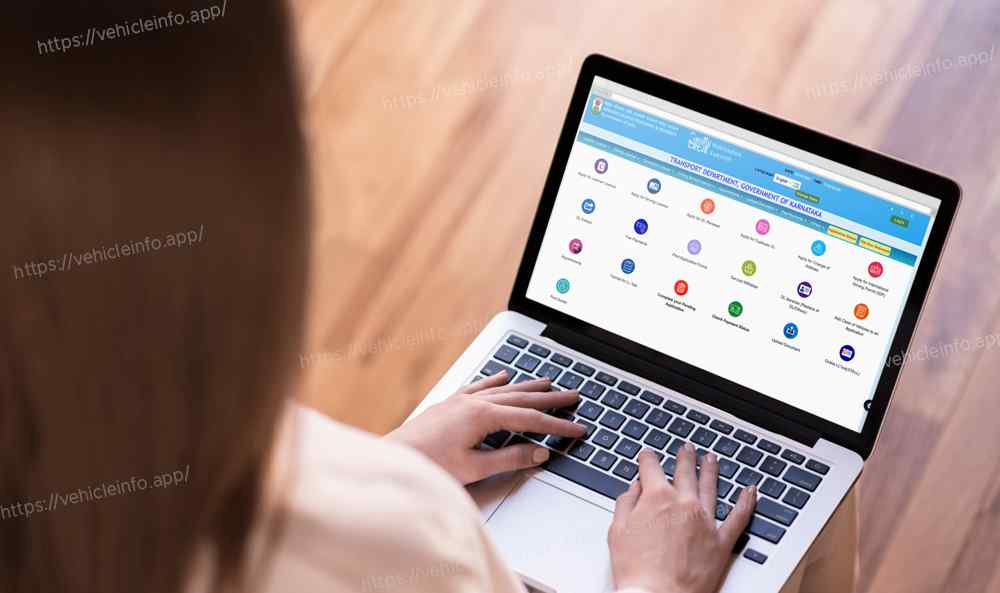
How to Apply for a Driving License Online via Parivahan Website: A Step-by-Step Guide
10 January, 2025
Applying for a driving license in India has become a seamless process thanks to the digitization of services by the Ministry of Road Transport and Highways. Using the Parivahan Sewa portal you can easily apply for a driving license online without visiting the Regional Transport Office (RTO) multiple times. Here's a comprehensive guide to help you through the process.
Step 1: Visit the Parivahan Website
To start your application visit the official Parivahan Sewa website.
Step 2: Select Your State
Once on the homepage follow these steps:
- Click on the "Online Services" tab from the menu.
- Select "Driving License Related Services" from the dropdown menu.
- Choose your state from the list displayed.
Step 3: Navigate to the Application Form
After selecting your state you will be redirected to the relevant RTO portal:
- Click on “Apply for Driving License” or “New Driving License” under the "Driving License" section.
- If you do not already have a learner’s license apply for one first as it is mandatory for a permanent driving license.
Step 4: Fill Out the Application Form
- Fill in your personal details such as name date of birth address and mobile number.
- Enter your learner’s license number (if applicable).
- Choose the type of vehicle for which you wish to apply for a driving license.
- Upload the necessary documents.
Step 5: Upload Required Documents
You need to upload scanned copies of the following documents:
- Proof of Identity: Aadhaar Card Passport PAN Card or Voter ID.
- Proof of Address: Utility bill rental agreement or Aadhaar card.
- Proof of Age: Birth certificate school leaving certificate or Aadhaar card.
- Learner’s License (if applying for a permanent license).
- Passport-size photographs (as per the portal’s guidelines).
Step 6: Book Your Slot for the Driving Test
- Schedule an appointment for the driving test.
- Select the date and time convenient for you from the available slots.
- Pay the application and test fees online via the portal.

Step 7: Pay the Fees
The fee for the driving license application varies based on the type of license and vehicle category. Pay securely online using net banking credit card or UPI.
Step 8: Appear for the Driving Test
On the scheduled date visit the RTO for your driving test. Make sure to:
- Carry your learner’s license.
- Bring the receipt of the application fee payment.
- Have the vehicle for the test (the same type for which you’re applying).
Step 9: Download Your Driving License
Once you pass the driving test your application will be processed and the driving license will be issued. Download the soft copy from the Parivahan portal. The physical copy will be sent to your registered address via post.
Tips for a Smooth Application Process
- Double-check all details before submitting the application.
- Ensure all uploaded documents are clear and legible.
- Practice your driving skills thoroughly before appearing for the test.




